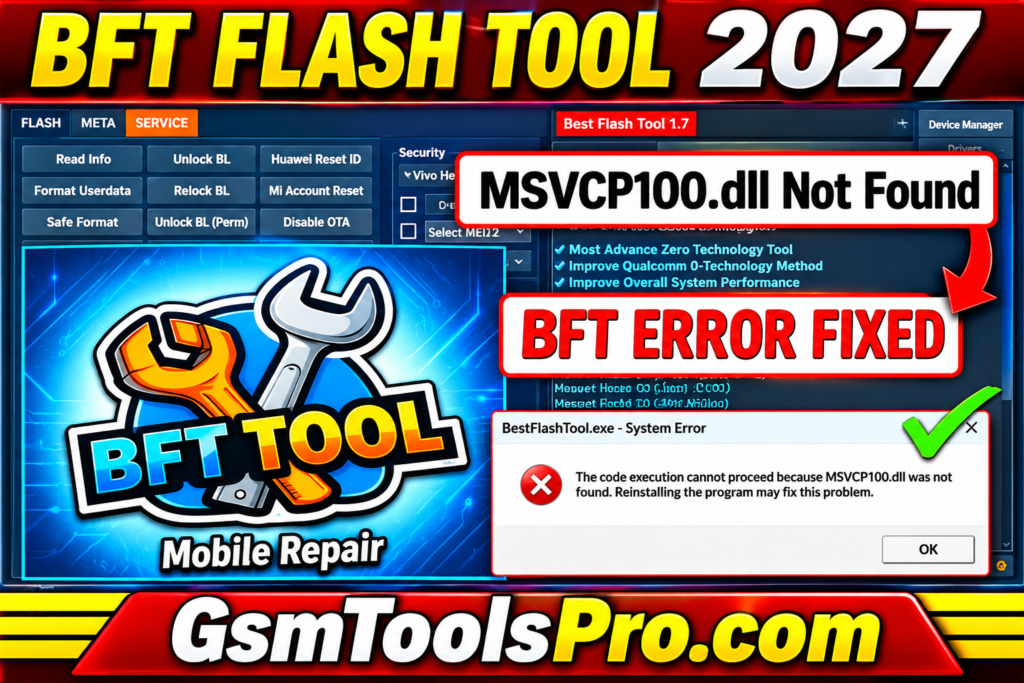
BFT Tool V1.7 Best Flash Tool By BossV Stable Version [2027]
Facing BFT Tool V1.8 startup errors or device connection problems? BFT Tool V1.7 offers an older alternative for Android technicians. It supports MediaTek BROM, Qualcomm Firehose, Unisoc SPD, firmware flashing, FRP servicing, and IMEI repair. Its model search and chipset-based functions help handle common Android software repair tasks on supported Samsung, Xiaomi, Vivo, OPPO, and other devices.
What is BFT Tool V1.7?
BFT Tool V1.7 is a Windows-based Android servicing tool by BossV/Miracle Team that combines firmware flashing,IMEI repair, and device information functions in one interface. The tool supports MediaTek, Qualcomm, and Spreadtrum/Unisoc platforms, with servicing options for brands including Samsung, Xiaomi, Vivo, OPPO, Realme, Infinix, Tecno, Itel, and Huawei. V1.7 also adds model search and improved universal functions.
Key Features of BFT Tool V1.7
Firmware Flashing
Flash Android firmware using scatter files and BROM exploit support to handle software failures, boot loops, and stuck-logo issues.
FRP Servicing
Handle Google FRP protection on Samsung, OPPO, Vivo, and other Android models using available ADB and device-specific methods.
Screen Lock Reset
Manage PIN, pattern, and password lock operations with dedicated servicing options based on the phone model and security level.
Device Information
Read connected phone details, including model number, chipset, IMEI, and other device information before selecting the required repair operation.
MediaTek BROM
MTK BROM exploits functionality to connect MediaTek devices, load scatter files, and perform chipset-level firmware operations.
Meta Functions
Access MediaTek META operations such as EMMC and UFS formatting, factory reset, NVM reading, and NVM writing for Android devices.
Qualcomm Flashing
Flash Qualcomm firmware through custom or built-in Firehose programmers using XML and Patch XML files.
IMEI Repair
Perform IMEI repair through Diag Mode, with original IMEI restoration and QCN backup and restore options for Qualcomm devices.
Download Information
| Information | Details |
|---|---|
| Tool Name | BFT Best Flash Tool |
| Version | V1.7 |
| File Name | Best Flash Tool by Boss V1.7.zip |
| File Size | 60.43 MB |
| Developer | BossV / Miracle Team |
System Requirements
| Component | Minimum Requirements |
|---|---|
| Operating System | Windows 7, 8, 10, 11 |
| Processor | Intel / AMD Dual-Core |
| RAM | 2 GB (4 GB Recommended) |
| USB Drivers | MTK, Qualcomm, SPD Drivers |
| Permissions | Administrator Rights |
| USB Connection | Working USB Port and Data Cable |
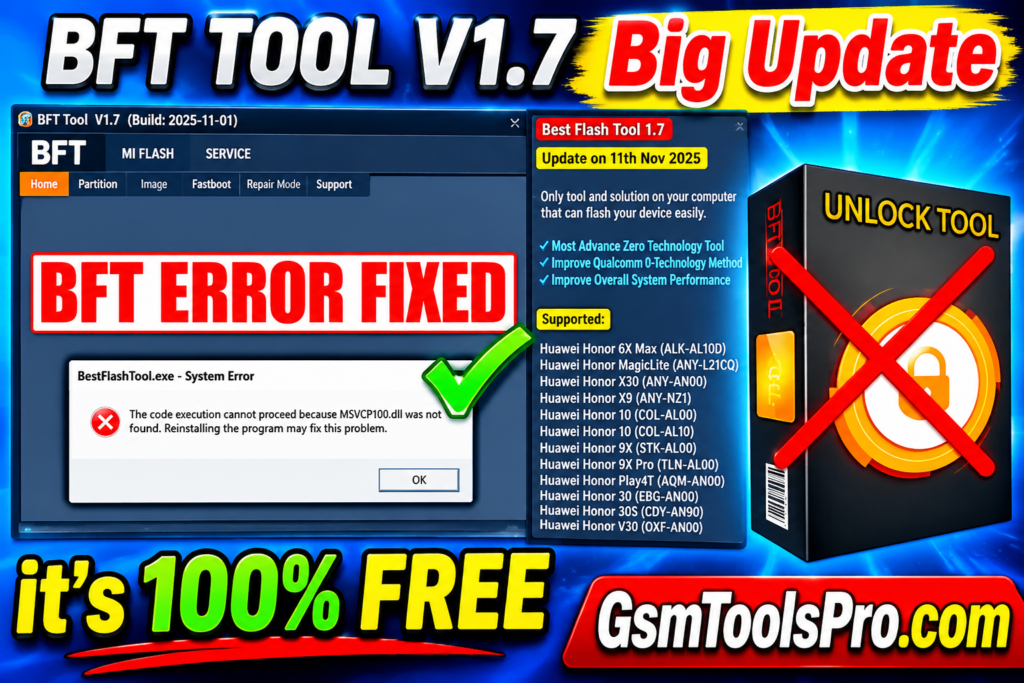
How to Install BFT Tool V1.7
- Download the BFT Tool V1.7 ZIP package from a trusted source.
- Extract the downloaded file using WinRAR or 7-Zip.
- Open the extracted folder and locate the setup or executable file.
- Install the required MediaTek, Qualcomm, and SPD USB drivers.
- Right-click the tool’s EXE file and select Run as Administrator.
- Allow the application to open and complete any required login or activation process.
- Keep your phone disconnected until you select the required servicing function.
How to Use BFT Tool V1.7
- Launch BFT Tool V1.7 with administrator privileges.
- Connect your Android phone using a working USB data cable.
- Select the correct chipset or platform, such as MTK, Qualcomm, or SPD.
- Choose the required operation, such as FRP servicing, firmware flashing, or screen-lock reset.
- Follow the instructions displayed by the tool for the selected device.
- Wait for the operation to finish without disconnecting the phone.
- Restart the device and check whether the selected operation completed successfully.
Common Problems and Fixes in BFT Tool
| ommon Problem | Possible Fix |
|---|---|
| Tool Not Opening | Run BFT v1.7 as Administrator and install required Windows components. |
| Device Not Detected | Reinstall MTK, Qualcomm, or SPD USB drivers and try another USB cable. |
| BROM Connection Error | Use the correct MediaTek USB drivers and connect the phone in BROM mode. |
| Qualcomm EDL Error | Check Qualcomm HS-USB QDLoader 9008 drivers and confirm the phone is in EDL mode. |
| FRP Operation Failed | Check device compatibility, Android security patch, and selected servicing method. |
| Firmware Flashing Failed | Verify the firmware package, scatter file, chipset, and device model before flashing. |
| Login or Activation Error | Check your internet connection and verify the tool’s login or activation status. |
| Tool Freezes During Operation | Close unnecessary applications, restart Windows, and reconnect the device. |
Pros & Cons
| Pros | Cons |
|---|---|
| Supports MediaTek, Qualcomm, and SPD chipsets. | Some functions may not work on every device. |
| Includes firmware flashing and FRP servicing. | Requires correct USB drivers. |
| Offers MTK BROM and Meta functions. | Certain operations require technical knowledge. |
| Provides Qualcomm flashing options. | Some features may require activation. |
| Supports IMEI and device information operations. | Incorrect operations can cause data loss. |
Also Read: BeTools v7.22.16.353 Download Latest Flash Tool [100% working]
Conclusion
BFT Tool V1.7 is a useful Windows software for Android technicians who handle firmware flashing and mobile software repair. With MediaTek BROM, Meta Mode, Qualcomm Firehose, Unisoc SPD, FRP servicing, and IMEI repair options,The tool brings several chipset-based functions into one application. Its Samsung Odin support and device model search also help with supported phone servicing. Always check model compatibility, install the correct USB drivers, and back up important data before starting any operation.
FAQs
Can BFT Tool V1.7 work on 32-bit Windows?
Yes, BFT Tool V1.7 is listed for Windows PCs. Check the package compatibility before installing it on a 32-bit system.
Does BFT Tool V1.7 support Samsung Odin mode?
Yes, it includes Samsung firmware flashing through Odin mode, using BL, AP, CP, and CSC firmware files on supported models.
What is the purpose of RPMB backup in BFT Tool?
RPMB backup helps save security-related storage data before supported servicing operations. The restore function can use a previously created backup.
Can BFT Tool V1.7 flash Unisoc PAC firmware?
Yes, its Unisoc module supports PAC and CFG firmware files for compatible Spreadtrum/Unisoc devices.
Does BFT Tool V1.7 include a model search option?
Yes, the model search feature helps technicians find supported phone models without manually checking the entire device list.
What should I check before using BFT Tool V1.7?
Check the phone’s exact model, chipset, firmware format, USB connection mode, and security level before starting a servicing operation.