SM Tool V1.0 Free Download Qualcomm Unlocking and Flashing Tool
Qualcomm phones with FRP locks, firmware errors, boot issues, or EDL problems can be difficult to repair. SM Tool V1.0 brings Qualcomm EDL, firmware flashing, FRP servicing, NV backup and restore, and Read/Write/Erase functions into one Windows tool for Android repair technicians.
What is SM Tool?
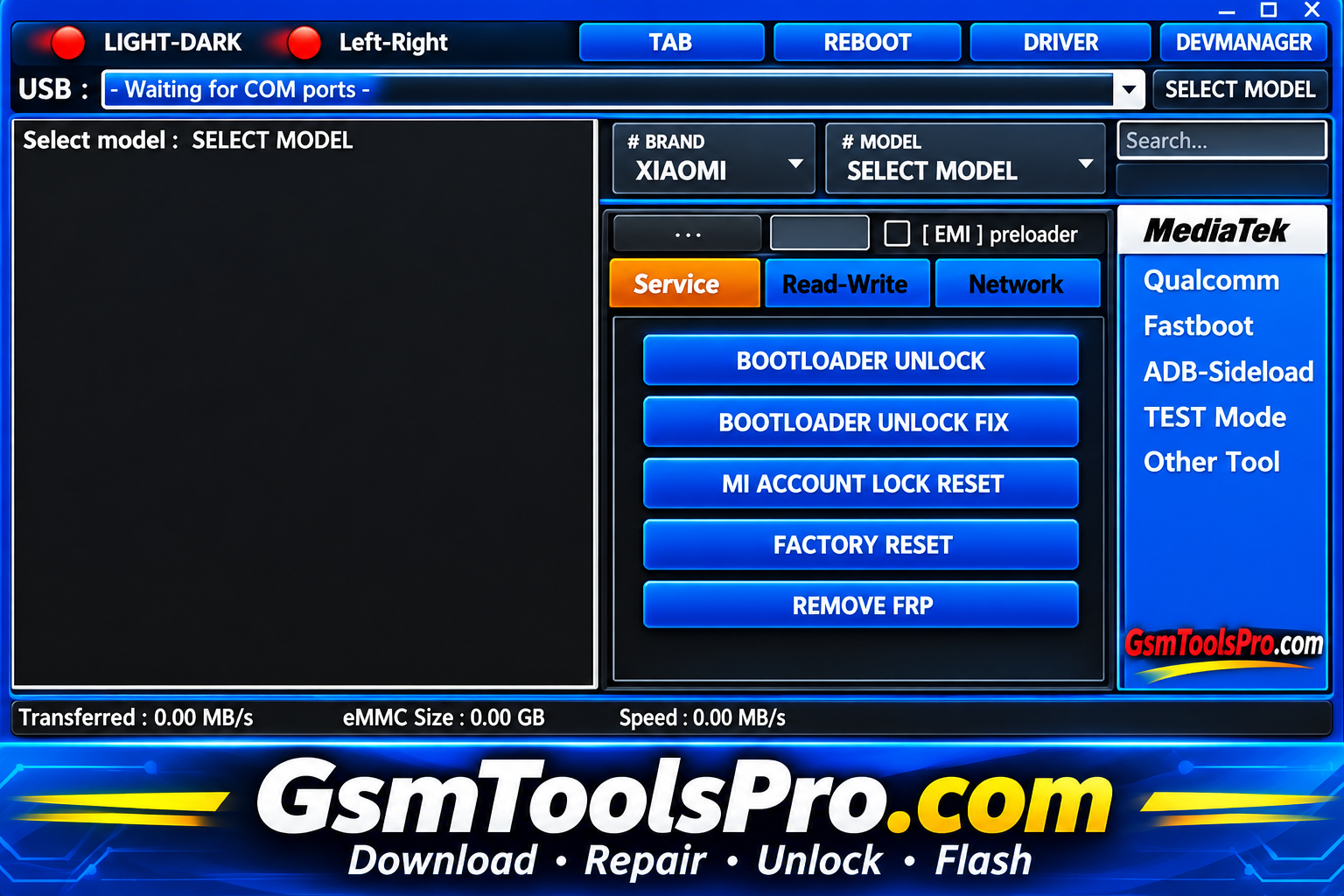
SM Tool v1.0 is a Windows-based Android servicing software for Qualcomm devices. The tool supports EDL communication, firmware flashing, FRP servicing, factory reset, NV data backup, bootloader operations etc. It helps technicians handle firmware errors, boot issues, user locks, and device connectivity problems. SM Tool also supports devices from brands such as Samsung, Xiaomi, Redmi, OPPO, Vivo, and OnePlus.
Key Features Of SM Tool 2027
Qualcomm EDL Mode Support
It works with Qualcomm EDL Mode for firmware servicing, recovery, and device communication during repair tasks.
Firmware Flashing
The Tool provides Qualcomm firmware flashing with Boot Device, Read, Write, and Erase functions for software repair.
Bootloader Operations
SM Application includes bootloader operations for Android servicing, including bootloader unlocking functions on supported devices.
Factory Reset
SM software provides factory reset functions to remove device data and restore the phone to its default software state.
NV Data Backup & Restore
The tool SM provides NV data backup and restore functions for Qualcomm and MediaTek devices during repair and recovery.
Read, Write & Erase Functions
The software provides Read, Write, and Erase operations for device memory during Qualcomm firmware servicing.
Xiaomi & Mi Cloud Functions
The Application includes Xiaomi and Redmi functions such as Mi Cloud, Mi Unlock, Xiaomi Qualcomm operations, and device patching.
MTK Support
Smart Mobile Tool includes MTK functions for FRP, factory reset, bootloader unlocking, NV backup and restore, flashing, and Redmi repair.
Samsung Functions
It includes Samsung servicing functions for Android repair and software maintenance.
IMEI & Baseband Functions
Smart Tool includes IMEI and baseband-related functions for Android device servicing and network repair.
Download Information
| Download Setup Information | Details |
|---|---|
| File Name | SM Tool V1.0 |
| File Size | 1.18 GB |
| Version | V1.0 |
| Platform | Windows 7, 8, 10, 11 |
| Architecture | 32-bit / 64-bit |
| Password | free |
System Requirements
| System Requirements | Minimum Requirement |
|---|---|
| Operating System | Windows 7, 8, 10, 11 |
| Architecture | 32-bit / 64-bit |
| Processor | Intel Dual-Core or equivalent |
| RAM | 2 GB or higher |
| Storage | 500 MB free space |
| USB Port | Required |
| Internet Connection | Required for online functions |
| Device Drivers | Qualcomm USB Drivers |
How to Download & Install the SM Tool?
- Download the V1.0 tool file from a trusted source.
- Locate the downloaded ZIP or RAR file and extract it using WinRAR or 7-Zip.
- Install the Qualcomm USB drivers on your Windows PC.
- Open the extracted SM Tool folder.
- Right-click the SM Tool executable and select Run as Administrator.
- Connect the Android device to the PC using a USB cable.
- Select the required Qualcomm or MTK servicing function.
- Choose the required operation, such as flashing, backup, factory reset, or repair.
- Follow the on-screen instructions and wait until the operation finishes.
- Restart the device and check whether the repair was completed successfully.
Pros & Cons
| Pros | Cons |
|---|---|
| Easy-to-use Windows interface | Supports compatible devices only |
| Qualcomm EDL mode support | Some features need technical knowledge |
| Firmware flashing functions | Incorrect flashing can cause software issues |
| FRP servicing options | Not all device models are supported |
| Bootloader functions | Compatibility varies by version |
| NV data backup and restore | Some operations need authorized access |
| Supports multiple device brands | Updates and support may be limited |
| Useful for Android troubleshooting | Requires proper drivers and USB connection |
Also Read: Avatar Auth Tool v1.0.5 Download for Windows Latest Version 2027
Conclusion
SM Tool is a Windows-based Android servicing utility for Qualcomm devices. The tool combines firmware flashing, EDL support, FRP servicing, bootloader operations, factory reset, and NV data backup and restore in one tool. SM Tool also works with brands such as Samsung, Xiaomi, Redmi, Huawei, OPPO, Vivo, and OnePlus. Its simple interface makes common Android repair and software maintenance tasks easier for mobile repair technicians and advanced users.
FAQ’s
What is SM used for?
SM Tool is used for Android servicing tasks such as Qualcomm EDL communication, firmware flashing, FRP servicing, factory reset, NV backup and restore, and Read, Write, and Erase operations.
Why does the tool not detect my Qualcomm phone?
Check the Qualcomm USB driver, USB cable, COM port, and EDL mode. A Qualcomm device should appear as Qualcomm HS-USB QDLoader 9008 when it enters EDL mode.
Does SM Tool support Qualcomm EDL 9008?
Yes. SM Tool includes Qualcomm EDL 9008 functions for firmware flashing, device communication, read, write, and erase operations.
Can SM Tool flash Qualcomm firmware?
Yes. SM Tool provides Qualcomm firmware flashing functions through EDL mode. Use the correct firmware and loader for the device to avoid flashing errors.
Can SM Tool remove FRP?
SM Tool includes FRP servicing functions for Android devices. The available FRP operation depends on the device model, chipset, security version, and servicing mode.
Why does Qualcomm flashing fail in SM Tool?
A wrong loader, an unstable USB connection, incorrect firmware, or an EDL communication problem can cause flashing errors. GSM-Forum users commonly report loader- and USB-related issues during Qualcomm operations.