Fastboot Flash Tool V1.0.1.2 Free Download Flashing & EDL [2026]
Phone stuck in a boot loop or facing a Fastboot error? Fastboot Flash Tool connects directly with the Android bootloader to flash firmware, restore system images, and repair Android devices. Its Fastboot Mode, ADB, partition flashing, and firmware support make Android servicing easier for technicians.
What is Fastboot Flash Tool?
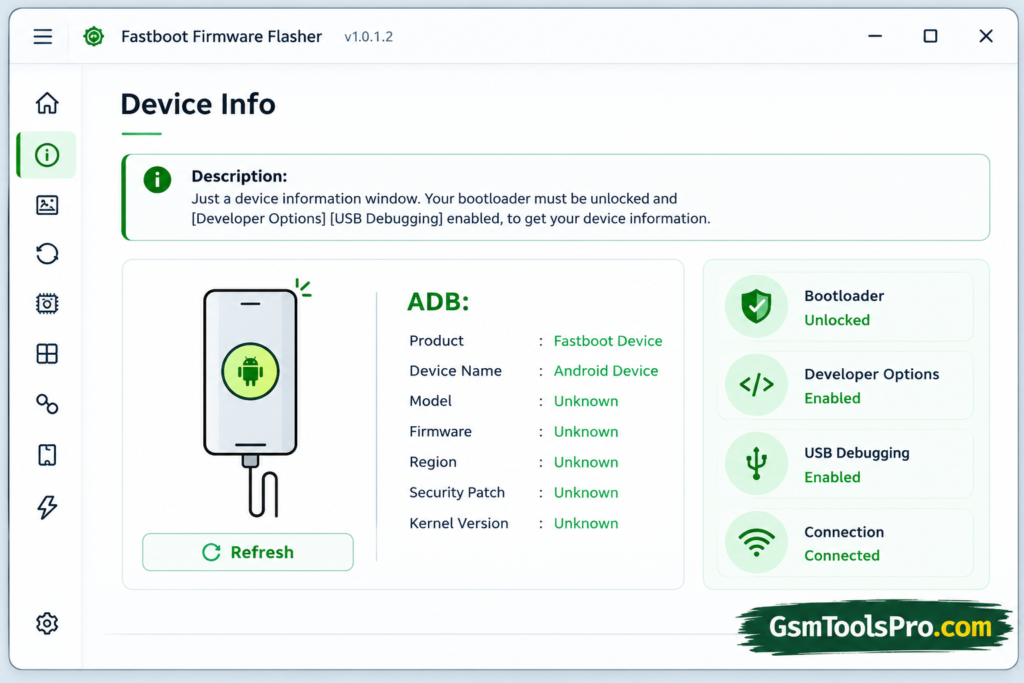
Fastboot Flash Tool is a Windows Android repair software that connects with the device’s bootloader through Fastboot Mode. The tool helps to flash stock firmware, custom ROMs, recovery images, and system files. Furthermore, it supports ADB and Fastboot mode to use scatter files, BAT files, etc making firmware installation and recovery easier for technicians.
Key Features Of Fastboot Flash Tool
Bootloader-Level Flashing
Fastboot Flash Tool connects with the Android bootloader through Fastboot Mode, helping technicians flash compatible firmware files and system images directly.
Multi-Brand Support
The tool works with Android brands such as Xiaomi, Redmi, OnePlus, Motorola, Nokia, Huawei, and Oppo through Fastboot protocols.
Stock Firmware Restoration
The tool helps restore official firmware when software problems, failed updates, or system errors stop an Android device from working normally.
Boot Loop & Soft Brick Repair
It can help repair devices stuck in boot loops, startup failures, or soft brick problems caused by damaged Android software.
Fastboot Mode Support
Fastboot Flash Tool communicates with compatible Android devices in Fastboot Mode, making firmware flashing, recovery, and software maintenance easier.
Fastboot Error Fix
The tool provides useful options for handling common Fastboot errors during firmware flashing, device communication, and Android repair tasks.
Fastboot-to-EDL
Fastboot-to-EDL can help move compatible Qualcomm devices into Emergency Download Mode for certain recovery and firmware servicing operations.
Scatter File Support
Selected versions support Scatter Files for compatible MediaTek devices, helping technicians load the correct firmware package during supported flashing procedures.
BAT File Support
BAT File support can run compatible flashing scripts, reducing manual steps and making repeated firmware flashing tasks easier for technicians.
No Box or Dongle Required
Fastboot Flash Tool works through a computer connection and does not require a separate servicing Box or Dongle for operations.
Firmware File Support
The tool works with firmware files and packages, helping users handle system images and other required components during flashing.
Download Information
| Information | Details |
| File Version | V1.0.1.2 |
| File Size | 25.3 MB |
| Tool Name | Fastboot Flash Tool |
| Platform | Windows |
| File Type | ZIP / Setup |
| Main Use | Android firmware flashing and repair |
System Requirements
| Requirement | Details |
| Operating System | Windows 7, 8, 10, or 11 |
| Processor | Dual-core CPU or better |
| RAM | 2 GB or more recommended |
| Storage | At least 500 MB free space |
| USB Port | Working USB port for device connection |
| USB Cable | Good-quality USB cable |
| Drivers | Compatible Android USB drivers |
| Device Mode | Fastboot Mode |
How To Download Fastboot Flash Tool V1.0.1.2?
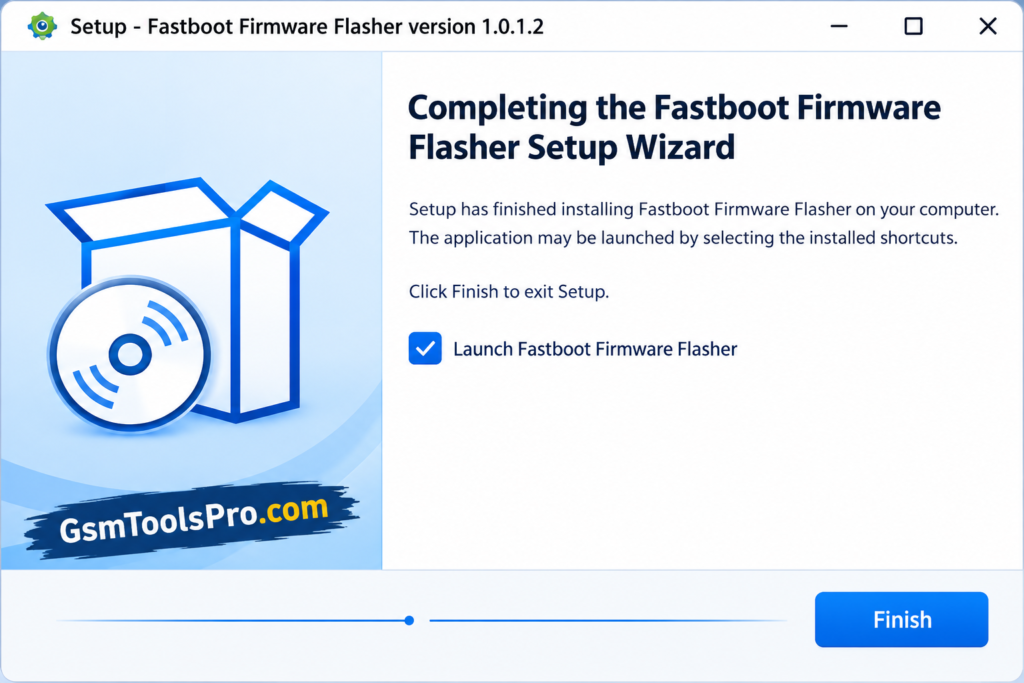
- Download the Fastboot Flash Tool on your PC from the official website.
- Extract the ZIP or RAR file using WinRAR or 7-Zip.
- Disable antivirus temporarily if required.
- Install Android USB drivers on your computer.
- Open the extracted folder and run the tool as Administrator.
- Boot your device into Fastboot Mode and connect it via USB.
- Load the firmware or partition files and start the flashing process.
Pros & Cons
| Pros | Cons |
| Direct communication with the Android bootloader | Only works with devices that support Fastboot |
| Useful for firmware flashing and system repair | Wrong firmware can cause serious software problems |
| Supports partition-level flashing | Some features depend on the device and firmware |
| Can help recover soft-bricked devices | USB driver issues can stop device detection |
| Works with ADB and Fastboot commands | Bootloader unlocking may erase user data |
| Supports compatible Qualcomm and MediaTek workflows | Fastboot-to-EDL is not available on every device |
| No dedicated box or dongle needed for basic operations | Advanced flashing still requires technical knowledge |
| Useful for technicians and advanced Android users | A failed flashing process can leave the phone stuck in a boot loop |
Also Read: Android Utility Tool V200.01 Free Download For All Androids [2026]
Conclusion
Fastboot Flash Tool offers useful Android servicing features in one Windows utility. It supports Fastboot Mode, firmware flashing, partition management, Scatter and BAT files, and Fastboot-to-EDL on Android devices. For technicians, it can simplify firmware restoration, boot loop repair, and other software maintenance tasks when the correct files and device support are available.
FAQ’s
Can Fastboot Flash Tool fix a phone stuck in a boot loop?
Yes, it can help when the boot loop is caused by software problems. Flashing the correct stock firmware may restore the device, but hardware faults need different repairs.
Why is my phone not detected in Fastboot Mode?
Check the USB cable, port, and Android USB drivers first. If Windows still cannot detect the device, the problem may be related to drivers, the phone, or its connection mode.
Can I flash firmware from another phone model?
No. Always use firmware made for the exact device model and variant. Similar model names do not mean the firmware is compatible, and the wrong files can cause boot problems.
Does Fastboot flashing erase user data?
It can, depending on the flashing method and commands used. Some repair procedures include wiping user data, so back up important files before starting whenever possible.
What should I do if Fastboot flashing shows a partition error?
First, check that the firmware matches your device and that you are using the correct Fastboot mode. Partition errors can also depend on the device’s partition layout.
Can Fastboot Flash Tool recover a phone that cannot enter Fastboot Mode?
Not normally. Fastboot tools need the device to communicate through a supported mode. If Fastboot and Recovery are unavailable, some Qualcomm devices may require EDL or professional servicing methods.
![TTA EDL Tool V1.0.4 Latest Version Download [2026]](https://gsmtoolspro.com/wp-content/uploads/2026/09/TTA-EDL-Tool-V1.0.4-Latest-Version-Download-2026-2-768x576.png "TTA EDL Tool V1.0.4 Latest Version Download [2026] 6")