
SamFirm Tool v3.3 Free Download Full Samsung Firmware Working
Having trouble finding the correct Samsung firmware or fixing software issues? SamFirm Tool V3.3 helps you download Samsung Galaxy stock firmware using your model number and CSC code. This lightweight Windows utility also supports multiple firmware details and automatic decryption, making firmware downloads easier for device maintenance and recovery.
What Is the SamFirm Tool?
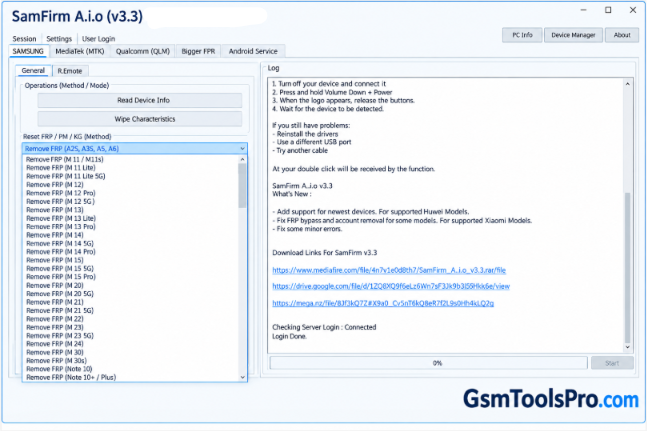
SamFirm Tool is a Windows software that helps download stock firmware for Samsung Galaxy devices. The tool helps users find the correct firmware using a device model number, CSC, and region code. Technicians can use Samsung firmware files for software updates, recovery, and troubleshooting. It is lightweight, fast, and simple for beginners to understand, making it the best solution for daily Samsung firmware repair.
Features of the SamFirm Tool
Portable application
SamFirm Tool is a portable Windows application that requires no installation. Extract the files, run the program, and search for Samsung firmware.
Lightweight
The setup of this tool is lightweight and can be run on low end pc, laptops for servicing, and it works faster compared to heavier setups.
Samsung Firmware Downloader
The Tool finds and downloads Samsung firmware using the phone’s model number and CSC or region code. Users can check updates, view firmware details, and download the correct files.
Multiple Options
It allows users to find Samsung firmware by model number, region code, PDA, CSC, and Phone details to identify the correct firmware version.
Auto Decryption
This Tool automatically decrypts downloaded Samsung firmware files, helping users prepare them for flashing without needing separate decryption software.
Download Information
| Information | Details |
| Tool Name | SamFirm Tool |
| Version | v3.3 |
| File Size | 7.8 MB |
| File Password | 123 |
System Requirements
| Requirement | Details |
| Operating System | Windows |
| Processor | Intel or AMD processor |
| RAM | 2 GB or more recommended |
| Storage | At least 50 MB of free space |
| Internet Connection | Required to download Samsung firmware |
| USB Cable | Required to connect the Samsung device when needed |
How to Download SamFirm Tool V3.3?
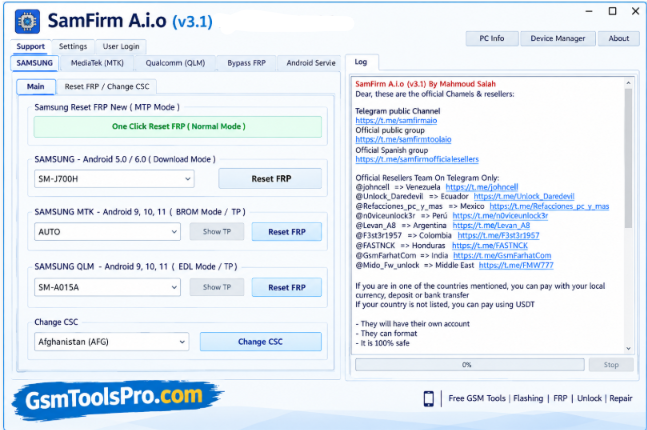
- Download SamFirm Tool V3.3 from the official download source.
- Extract the downloaded ZIP file on your Windows PC.
- Open the SamFirm Tool executable file.
- Enter your Samsung device model number and region code (CSC).
- Check the available firmware information and click Download to start downloading the stock firmware.
- Wait for the download to finish. The time depends on your internet speed.
Pros and Cons
| Pros | Cons |
| Downloads Samsung stock firmware | Supports Samsung devices only |
| Portable application with no installation required | Requires an internet connection |
| Searches firmware using model number and CSC | Incorrect model or CSC may return unsuitable firmware |
| Automatically decrypts firmware files | Older versions may not support newer firmware |
| Provides firmware information before downloading | Firmware flashing requires a separate tool, such as Odin |
Also Read: Fastboot Flash Tool V1.0.1.2 Free Download Flashing & EDL [2026]
Conclusion
SamFirm Tool is a lightweight Windows utility that helps users find and download Samsung Galaxy stock firmware using a model number and CSC code. Its portable design and automatic firmware decryption make the download process easier. Users can use the downloaded firmware for software recovery and maintenance, while Odin is commonly used for flashing. For newer Samsung firmware, users can also consider Frija, Samsung Smart Switch, or official software updates.
FAQ’s
Why does SamFirm Tool show a “wrong or unsupported model” error?
Check your Samsung model number and ensure it is entered correctly. Older SamFirm versions may not support some newer devices or firmware requests.
Where can I download Samsung stock firmware without a slow download speed?
Users on Reddit have recommended SamFirm and Frija as alternatives to firmware websites with download limits. Availability and speed may vary.
How do I find the correct CSC code for my Samsung phone?
Check your device’s software information or firmware details. The CSC code identifies a region or carrier configuration and helps you select compatible firmware.
Can I use SamFirm firmware with Odin?
Yes. SamFirm downloads Samsung firmware, while Odin is commonly used to flash compatible firmware files onto supported Samsung devices.
Why does Odin get stuck while flashing Samsung firmware downloaded with SamFirm?
Check the firmware files, USB connection, Odin version, and device compatibility. XDA users have reported flashing problems involving files such as modem.bin.
Can I install an older Samsung firmware version using SamFirm Tool?
Not always. Samsung bootloader version restrictions can prevent downgrades. Check the firmware version and binary revision before flashing, as older firmware may be incompatible.
![OST Tool V6.3.7 Download For Nokia Firmware 2026 [100% Working].](https://gsmtoolspro.com/wp-content/uploads/2026/09/OST-Tool-V6.3.7-Download-For-Nokia-Firmware-2026-100-Working-768x576.png "OST Tool V6.3.7 Free Download Nokia Firmware 2026 [Activated] 3")


One Comment