
TFM Tool Pro v3.4.1 Latest Version 2026 [100% working]
Locked phones, firmware errors, and software problems can make Android repairs time-consuming. A 2025 Counterpoint survey found 4 in 10 smartphone users needed repeat repair visits. TFM Tool Pro gives technicians one Windows-based solution for MTK, Qualcomm, and UNISOC/Spreadtrum servicing, including flashing, FRP, resets, and diagnostics.
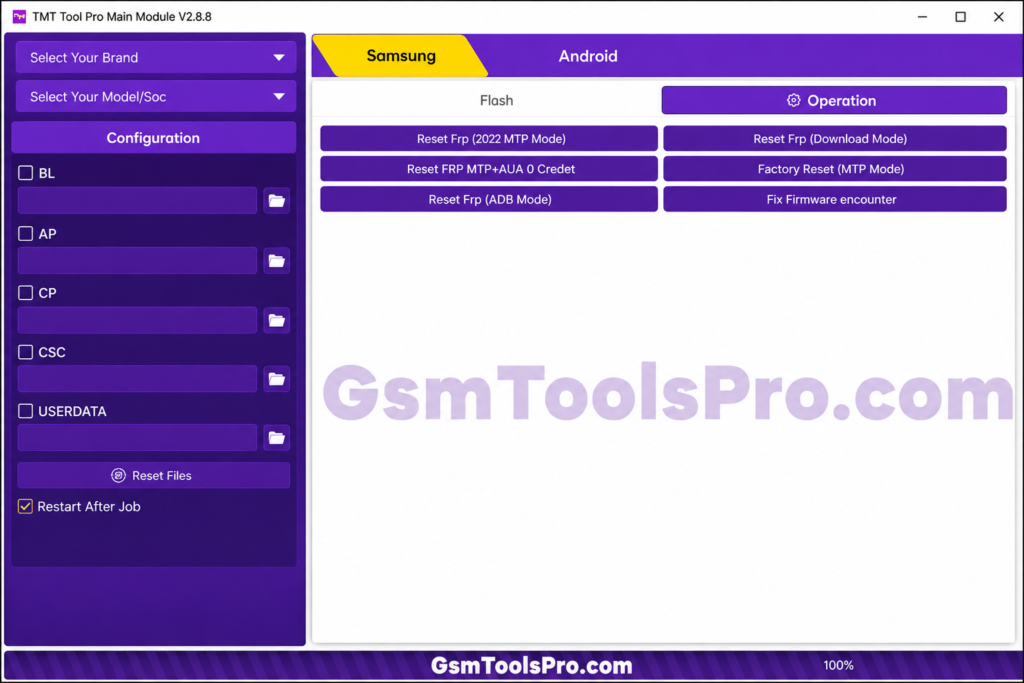
What is TFM Tool Pro
TFM Tool Pro is a Windows tool for repairing Android phones and tablets. It can be used for firmware flashing, factory reset, FRP reset, privacy lock removal, network unlock, and bootloader unlock. The tool supports MediaTek (MTK), Qualcomm, and Spreadtrum/Unisoc chipsets, with support for selected Samsung and Vivo devices.
Key Features Of TFM Repair Tool
Firmware Flashing
Firmware Flashing: It helps users install compatible firmware files and repair phones affected by software errors, boot problems, or firmware issues.
Factory Reset
It helps technicians perform a factory reset on supported phones to clear data and return the device to its original settings.
UNISOC / Spreadtrum Module
The tool works with UNISOC and Spreadtrum devices for reset, firmware, and unlocking tasks. Other modules are available for Qualcomm, Samsung, SPD, and Vivo MTK servicing.
Device Information & Diag
It provides Read Info and Diag functions for checking IMEI, hardware specs, chipsets, and security patches. Supported Qualcomm and Spreadtrum/UNISOC devices can also use Diag operations for servicing and factory reset tasks.
Pros and Cons
Pros
- Covers multiple chipsets and Android brands.
- Offers flashing, FRP, reset, and information reading.
- Useful for supported SPD/UNISOC devices with PAC files.
- Supports selected Tecno, Infinix, itel, Samsung, and Vivo phones.
- Includes options for MDM and boot servicing.
Cons
- Not every device is supported.
- Advanced functions require proper knowledge.
- Some features may require activation.
- Incorrect files can create firmware problems.
- Reset operations can remove user data.
TFM Pro Tool Downloading & Installing Setup Guide
- Get the TFM Servicing Tool setup from a reliable source.
- Extract the downloaded archive with 7-Zip or WinRAR.
- Install the correct Spreadtrum/UNISOC drivers.
- Install and open the tool with administrator rights.
- Activate or log in if the tool requires it.
- Connect the supported phone in the required service mode.
- Choose the needed option, such as Read Info, Reset, FRP, or PAC Flash.
- Confirm the exact model and firmware.
- Start the process and avoid disconnecting the device.
Download Details for TFM Tool Latest Version
| Detail | Information |
| Software | TFM Tool Pro |
| Version | 2026 |
| File Format | ZIP / RAR |
| Compatibility | Windows PC |
| Device Type | Android Phones & Tablets |
| Supported Platforms | MTK, Qualcomm, SPD/UNISOC |
| Functions | Flashing, FRP, Reset, Read Info |
| Connection | USB |
| Drivers | SPD/UNISOC & Other Required Drivers |
| License | Activation May Be Needed |
System Requirements for Pro TFM Tool
| Item | Recommended |
| Windows | Windows 7, 8, 10, or 11 |
| CPU | Dual-Core Processor or Higher |
| RAM | 4 GB or More |
| Disk Space | 1 GB+ Free |
| USB | Working USB Port & Cable |
| Drivers | Correct Device Drivers |
| Internet | Needed for Certain Services |
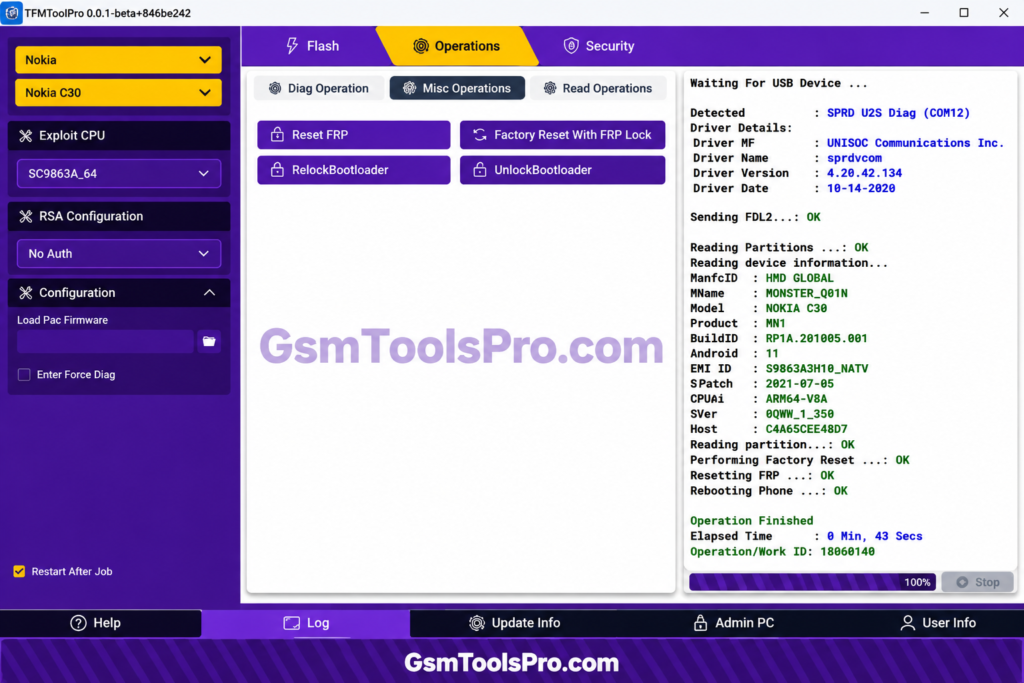
Also Read: TMT Tool Pro V3.0.0.7 Latest Version 2026 Proper working
Conclusion
TFM tool can be the best tool for repairing the mobile because it supports flashing, FRP servicing, resets, diagnostics, and device information features, which make daily issues easier and faster. It can be used simply with Windows 7/8/10/11 Operating System and Dual-Core Processor, which makes a better combo to run the tool smoothly for technicians working with MediaTek, Qualcomm, and UNISOC/Spreadtrum.
FAQ’s
What chipsets are covered by the TFM Tool Pro license?
The official license information lists MTK, SPRD, and Qualcomm as supported chipset platforms.
Does TFM Tool Pro support Tecno, Infinix, and itel through Auth?
Yes. The current license page specifically lists Tecno, Infinix, and itel support through Auth services.
Can TFM Tool Pro handle BootROM operations?
Yes. SPD updates added Baudrate Speed for BootROM operations to improve communication during servicing.
Does TFM Tool Pro offer free updates?
The current license packages include free updates during the active license period.
Does TFM Tool Pro support region-based firmware flashing?
Yes. The 3.4.1 beta release notes say region-based firmware flashing was improved for Tecno, Infinix, and itel devices.
Is TFM Tool Pro available for 32-bit and 64-bit Windows?
The official download listings show Windows support with 32/64-bit compatibility for listed versions.
![OST Tool V6.3.7 Download For Nokia Firmware 2026 [100% Working].](https://gsmtoolspro.com/wp-content/uploads/2026/09/OST-Tool-V6.3.7-Download-For-Nokia-Firmware-2026-100-Working-768x576.png "OST Tool V6.3.7 Free Download Nokia Firmware 2026 [Activated] 3")