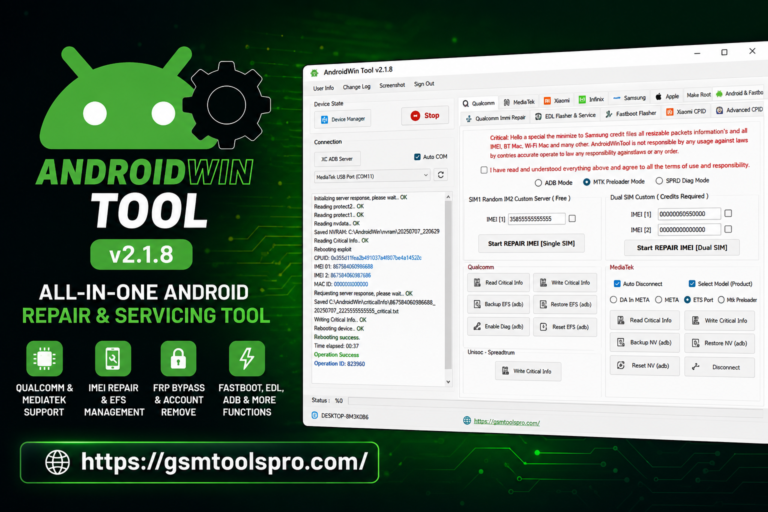
Android Multi Tool V1.3.5.9 Latest Activated Setup Download 2026
Android servicing can be difficult when FRP, screen locks, firmware issues, or device detection are faced during the process. Android Multi Tool (AMT) brings ADB, Fastboot, Qualcomm, MediaTek, and Unisoc support into one Windows solution, helping technicians handle unlocking, flashing, resets, bootloader tasks, and device management with a simple interface.
What is Android Multi Tool?
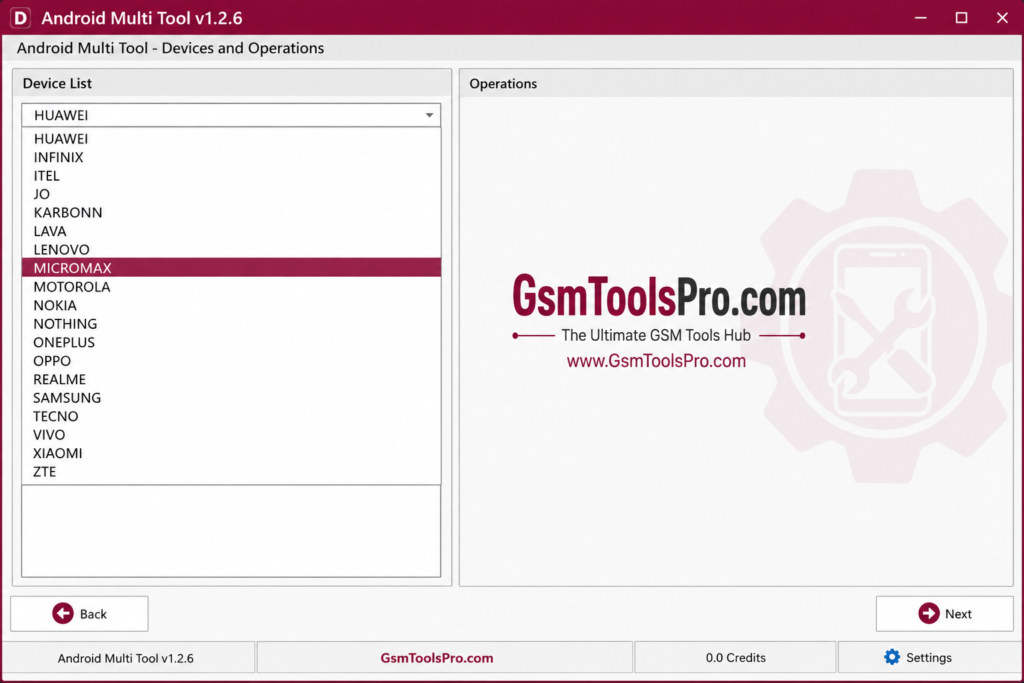
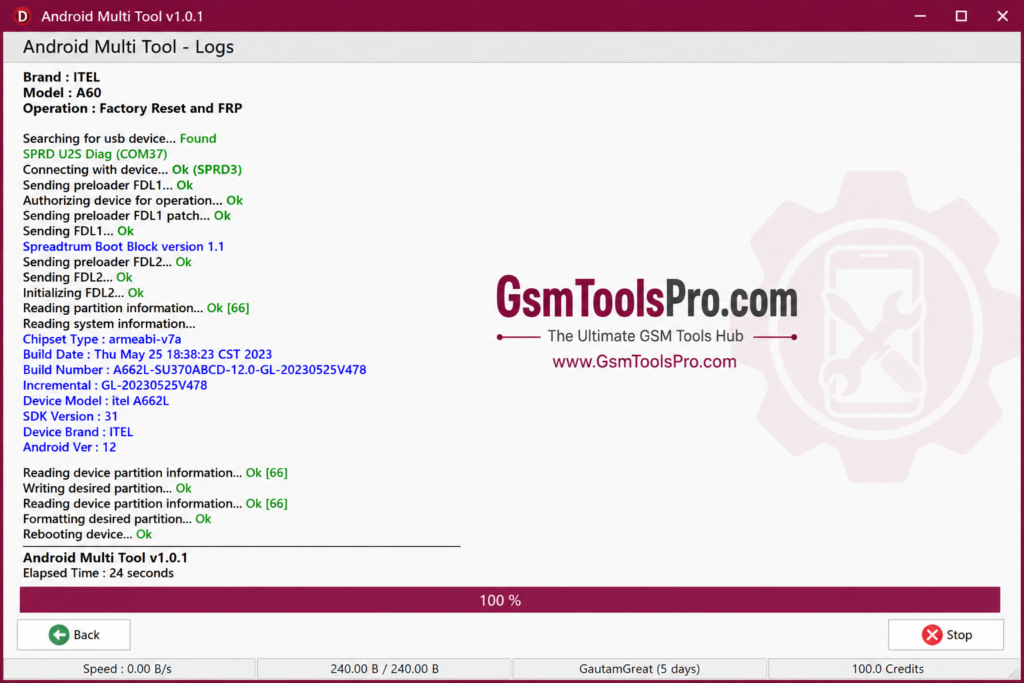
Android Multi Tool (AMT) is an Android servicing software designed for repairing smartphones and tablets. It works with ADB, Fastboot, Qualcomm, MediaTek (MTK), and Unisoc devices. On the supported model, AMT can handle tasks such as firmware flashing, FRP removal, IMEI repair, bootloader management, EDL access, hard reset, and QCN operations.
Features of Android Multi Tool
Screen Unlock
Android Multi Tool helps remove pattern, PIN, and password locks from Android. The feature can also handle certain user locks and factory reset tasks, depending on the device model, Android version, and available servicing method.
Factory Reset
Android Multi Tool provides a Factory Reset option for Android devices. It can reset the phone to its default settings and remove user data when normal recovery mode is not accessible. Support and available reset methods depend on the device model and Android version.
ADB Commands
The software uses Android Debug Bridge (ADB) to connect with phones through USB. It allows users to send ADB commands, communicate with the device, and perform servicing tasks when USB debugging is enabled.
Fastboot Functionality
The Software supports Fastboot mode on Android, allowing users to perform basic boot and maintenance actions before Android starts. It can also restart a device into Recovery Mode, Bootloader Mode, or perform a normal reboot.
Reboot Options
Different restart modes are available for devices, including Normal Mode, Recovery Mode, and Bootloader Mode. This makes it easier to access the required startup for testing, maintenance, or other Android servicing.
Simple User Interface
A clean dashboard makes Android servicing simple. Clear options help users access common tasks like ADB, Fastboot, FRP, and device management without technical skills.
Server Dependent Operations
Some unlocking and servicing features require an active AMT server connection. If the online server is down or unavailable, certain operations may not work until the service becomes active again.
Common Problems and Solutions that are faced by real Users
| Common Problem | Possible Cause | Quick Solution |
|---|---|---|
| 404 Download Error | Server or regional access issue | Check the download source, try another network, or use a trusted mirror. |
| Login / Opening Error | Temporary server maintenance or outage | Check the server status and try again after the service is restored. |
| Installation Blocked | Windows Security or antivirus detection | Verify the setup source and review security warnings before allowing installation. |
| Device Not Found | Missing ADB, MTK, or Qualcomm drivers or USB issues | Install the correct drivers, enable USB debugging when required, and try another USB cable or port. |
| Unlock Fails on New Devices | Device security, model restrictions, or server authorization | Check model support, activation requirements, and the current server status before starting the operation. |
How to Download Android Multi Tool?
- Visit a trusted source that provides the software.
- Find the latest available AMT version.
- Click the Download button to start the file transfer.
- Wait until the ZIP package is completely downloaded.
- Extract the ZIP file and open the folder to continue with setup.
How to Install Android Multi Tool
- Install the required ADB, MTK, or Qualcomm drivers for your device.
- Open Developer Options and enable USB Debugging on the phone.
- Run the setup or program with administrator rights if Windows asks for permission.
How to Use Android Multi Tool
- Connect the Android phone to your PC using a working USB cable.
- Select the required servicing option from the available menu.
- Follow the on-screen steps and let the process finish.
- Restart the device when the selected operation requires a reboot.
File Info for Android Multi Tool V1.3.5.9
| Download Detail | Information |
| Version | Android Multi Tool V1.3.5.9 |
| File Size | 65.08 MB |
| File Format | ZIP / RAR |
| Extraction Tool | 7-Zip or WinRAR |
| Supported OS | Windows 7/8/10/11 (32-bit & 64-bit) |
| Security Status | Scanned with Avast Antivirus |
What’s New in Android Multi Tool?
The latest updates bring new servicing options and wider device support:
- Exynos FRP Support: Added FRP servicing for selected Samsung Exynos models, including A12 and A13, through Download Mode.
- Automatic Authorization: Supported devices can receive authorization automatically for smoother ADB-based operations.
- More Device Models: Regular updates add support for newer Android smartphones.
- Server Improvements: Recent updates focus on better server connectivity and more stable servicing operations.
System Requirements
| Requirement | Minimum / Recommended |
| Operating System | Windows 7, 8, 10, or 11 (32-bit / 64-bit) |
| Processor | Intel or AMD Dual Core or higher |
| RAM | 2 GB minimum, 4 GB recommended |
| Storage | 500 MB free space |
| Internet | Required for updates and downloads |
| USB Drivers | Compatible Android USB drivers installed |
Also read: Auth Flash Tool V1.2 [Tested] Download MTK V6 Auth Bypass 2026
Conclusion
Android Multi Tool is the best Windows solution for Android servicing and device management. With ADB, Fastboot, FRP, bootloader, reboot, and reset options, it supports many common repair tasks. Its simple interface makes it useful for technicians. Always check device support and create a data backup before performing reset, flashing, or unlocking operations.
FAQ’s
Is Android Multi Tool completely free to use?
No. Some features may be available without payment on supported models, while advanced unlocking and server-based services can require credits or an active license.
How does the hourly rental model work?
The hourly option provides short-term access for users who only need AMT for a quick servicing task. Longer activation plans may also be available depending on the service provider.
Can AMT bypass FRP locks on newer Samsung Exynos devices?
Yes, supported versions can provide FRP servicing for selected Samsung Exynos models, including Galaxy A12 and A13, when the required Download Mode method is supported.
What smartphone brands and processors are supported by AMT?
Support varies by version and model, but AMT works with devices using Qualcomm, MediaTek (MTK), and Unisoc chipsets. Compatible brands may include Samsung, Xiaomi, Oppo, Realme, OnePlus, Vivo, and others.
Does Android Multi Tool work without USB Debugging?
Some Fastboot operations can work without USB Debugging. However, many ADB-based functions require USB Debugging to be enabled and properly detected by the PC.
Does Android Multi Tool support Windows 11?
Yes. AMT supports Windows 11, along with other supported Windows versions. Make sure the required Android USB drivers are installed correctly.