KS Tool V4.6 Complete Android Repair Solution Free Download
Facing FRP locks, bootloop errors, or firmware problems on Android phones? KS Tool V4.6 brings Qualcomm and MediaTek flashing, FRP removal, screen lock reset, and IMEI repair into one Windows program, supporting Samsung, Xiaomi, OPPO, Vivo, and other popular brands.
What is KS Tool
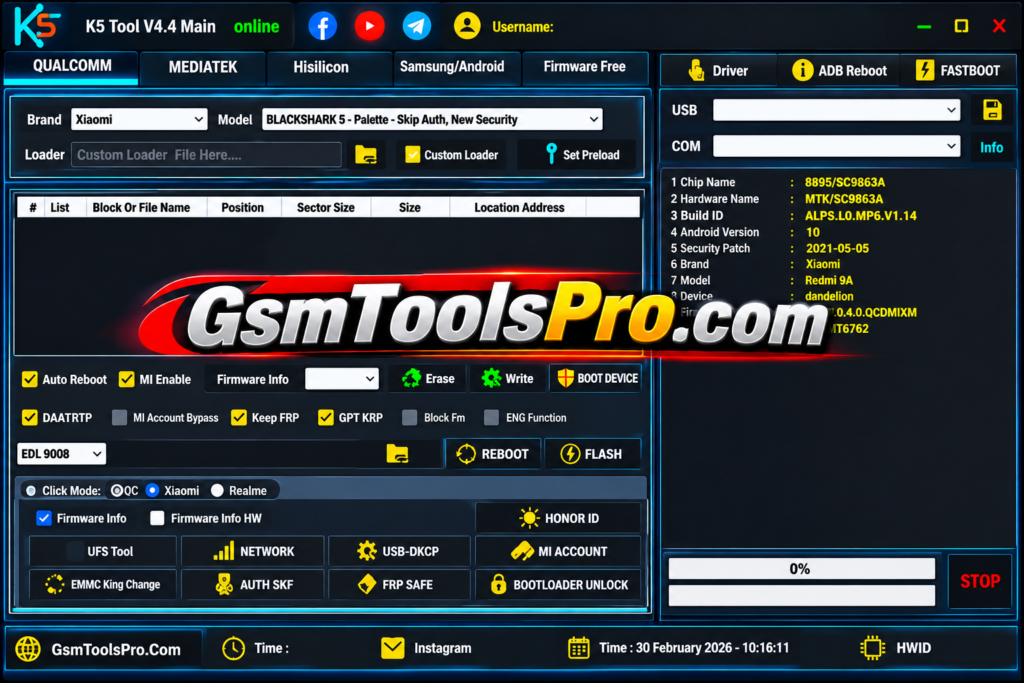
KS Tool is a Windows-based Android repair and flashing tool for Qualcomm, MediaTek, Samsung, and HiSilicon devices. The tool supports FRP, firmware flashing, screen lock reset, IMEI repair, etc operations through ADB, Fastboot, EDL, META, BROM, and Download Mode. The supported brands include Samsung, Xiaomi, Redmi, POCO, OPPO, Vivo, Realme, Huawei, Tecno, and Infinix.
Features of the KS Tool 2027
Firmware Flashing
The tool allows firmware flashing on Qualcomm and MediaTek devices and helps to fix boot loops, soft bricks, firmware corruption, stuck-on-logo issues, and failed software updates.
Screen Lock Removal
The KS software helps to unlock locked devices due to forgotten Passwords,pins,pattterns etc making the device fully functional afer repairing without losing the personal data.
FRP Removal
Technicians can bypass FRP when the owner forgets the Google verification password after a factory reset; it helps to unlock Google Factory Reset Protection without losing any software or firmware. The KS tool works with ADB, Fastboot, EDL, META, or Download Mode for servicing.
Bootloop Repair
Bootloop repair can be done with this tool when the device is stuck on the logo and not working.
ADB & Fastboot
It uses ADB & Fastboot modes to connect the device to a PC and make a safe connection for repairing and performing FRP, Firmware repair, etc. easily.
Multi-Brand Support
The tool supports Android brands, including Samsung, Xiaomi, Redmi, POCO, OPPO, Vivo, Realme, Huawei, Motorola, Nokia, Tecno, and Infinix. Note that support varies by chipset and model.
Device Diagnostics
It helps to read device information including model, chipset, Android version, build number, serial number, and security patch level, making it easy to decide the suitable operation.
IMEI Repair
The application helps to repair IMEI issues in devices. It is the unique number that identifies your phone on a mobile network.
Common Errors and Solutions
| Error / Issue | Solution |
|---|---|
| KS Tool does not detect the device | Reinstall the required USB drivers or connect the device through a different USB port. |
| Qualcomm device connection issues | Use the correct EDL (9008) loader before performing operations. |
| The MediaTek (MTK) device is not connecting | Enter BROM Mode or apply Secure Boot Bypass if required. |
| Samsung FRP process fails | Switch between ADB Mode and COM Mode, then try again. |
| Partition or flashing errors | Verify that the installed stock firmware is compatible with the device model. |
| KS Tool crashes unexpectedly | Restart the KS Tool and reconnect the device before retrying. |
Download Information
| Detail | Information |
|---|---|
| Tool Name | KS Tool |
| Latest Version | V4.6 |
| File Size | 199.71 MB |
| Platform | Windows |
| Tool Type | Android Repair & Flashing |
| Supported Chipsets | Qualcomm (QCOM), MediaTek (MTK) |
| Supported Brands | Samsung, Xiaomi, Redmi, Huawei, OPPO, Vivo |
| File Type | ZIP / RAR |
System Requirements
| Component | Minimum Requirement |
|---|---|
| Operating System | Windows 7, 8, 10, 11 |
| Architecture | 32-bit / 64-bit |
| Processor | Intel or AMD Dual-Core or higher |
| RAM | 4 GB minimum |
| Storage | 1 GB or more free space |
| .NET Framework | .NET Framework 4.8 |
| USB Drivers | Android USB, Qualcomm USB, MediaTek USB VCOM |
| USB Port | Working USB port |
| Connection | USB cable |
How to Download KS Tool v4.6?
- Download the latest KS Tool package from a trusted source.
- Extract the ZIP or RAR file using WinRAR or 7-Zip.
- Install the required Android USB drivers, including Qualcomm QDLoader or MediaTek VCOM drivers when needed.
- Run the setup file as Administrator and complete the installation.
- Restart your Windows PC so the driver changes can load correctly.
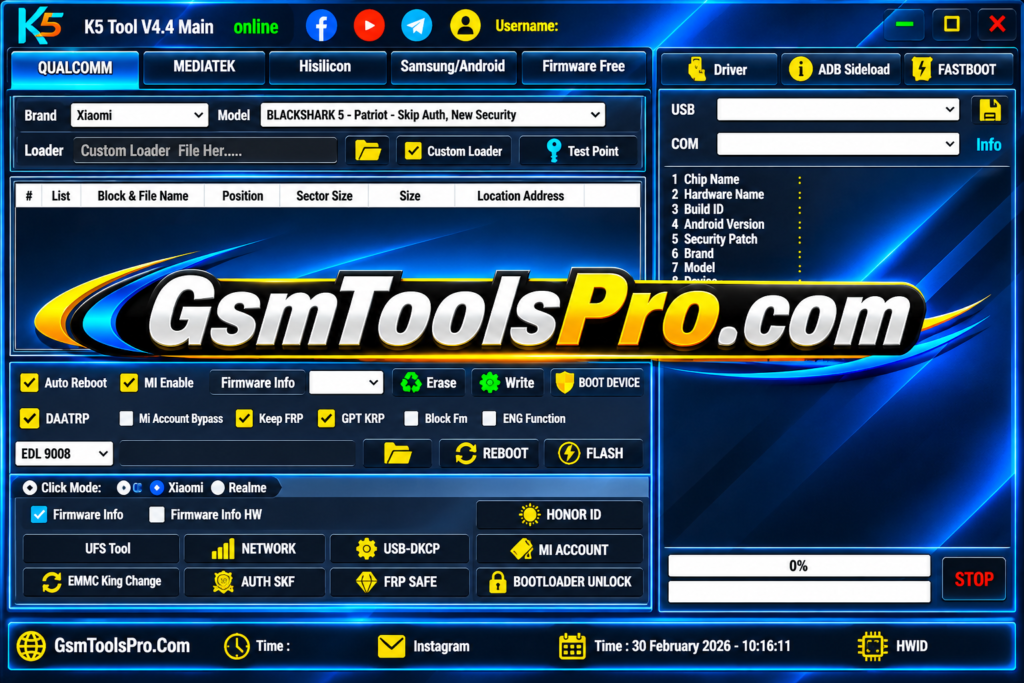
- Launch KS Tool and connect the device through the required mode, such as ADB, Fastboot, EDL, BROM, or Download Mode.
Pros and Cons
| Pros | Cons |
|---|---|
| Supports Qualcomm and MediaTek chipsets. | Some features work only on supported phone models. |
| Offers FRP removal and screen lock reset options. | Incorrect operations may cause data loss. |
| Supports firmware flashing and bootloop repair. | Requires proper USB drivers for device detection. |
| Includes ADB, Fastboot, EDL, and BROM modes. | Some Qualcomm devices need a compatible loader. |
| Works with Samsung, Xiaomi, OPPO, Vivo, and other brands. | New security updates may limit certain operations. |
| Provides multiple Android servicing features in one tool. | Beginners may need technical knowledge for advanced functions. |
| Includes device information and diagnostic options. | Free downloads from third-party sites may have security risks. |
Also Read: HakinTool V2 Main 2A Download Latest Version Android Repair [2027]
Conclusion
KS Tool is a useful Windows-based Android repair and flashing tool for GSM technicians. It combines FRP removal, firmware flashing, screen lock reset, IMEI repair, etc services in one program. With Qualcomm and MediaTek support for brands like Samsung, Xiaomi, OPPO, Vivo, Realme, and Huawei, it simplifies common servicing tasks. Always use compatible files and back up your data before repairs.
FAQ’s
Does KS The Tool V4.6 support Qualcomm and MediaTek devices?
Yes, KS Tool supports Qualcomm (QCOM) and MediaTek (MTK) chipsets. Available functions depend on the phone model and security level.
Can KS remove FRP locks from Samsung phones?
Yes, it includes Samsung FRP options through ADB and COM modes. Support depends on the device model and Android security patch.
Why is my phone not detected by KS?
This issue can happen due to missing USB drivers, a faulty cable, or an incorrect connection mode. Reinstall the drivers and try another USB port.
Does KS Tool support Xiaomi Mi Account removal?
KS Tool includes Xiaomi Mi Account-related functions for supported devices. Results depend on the chipset, MIUI or HyperOS version, and security patch.
Can KS Tool fix Android phones stuck on the boot logo?
Yes, its firmware flashing options can help repair boot loops and software-related problems. Always use firmware that matches your exact phone model.
Is KS Tool V4.6 free to download and use?
KS Tool V4.6 is shared as a free utility on some third-party websites. However, download sources, login requirements, and available functions may vary.