
BeTools v7.22.16.353 Download Latest Flash Tool [100% working]
Android phones can face boot loops, corrupted firmware, FRP locks, and IMEI problems that make repairs difficult. BeTools brings MediaTek and Spreadtrum/Unisoc servicing into one Windows utility, offering stock firmware flashing, NVRAM backup, IMEI writing, screen unlock, and multi-port flashing to simplify common repair tasks.
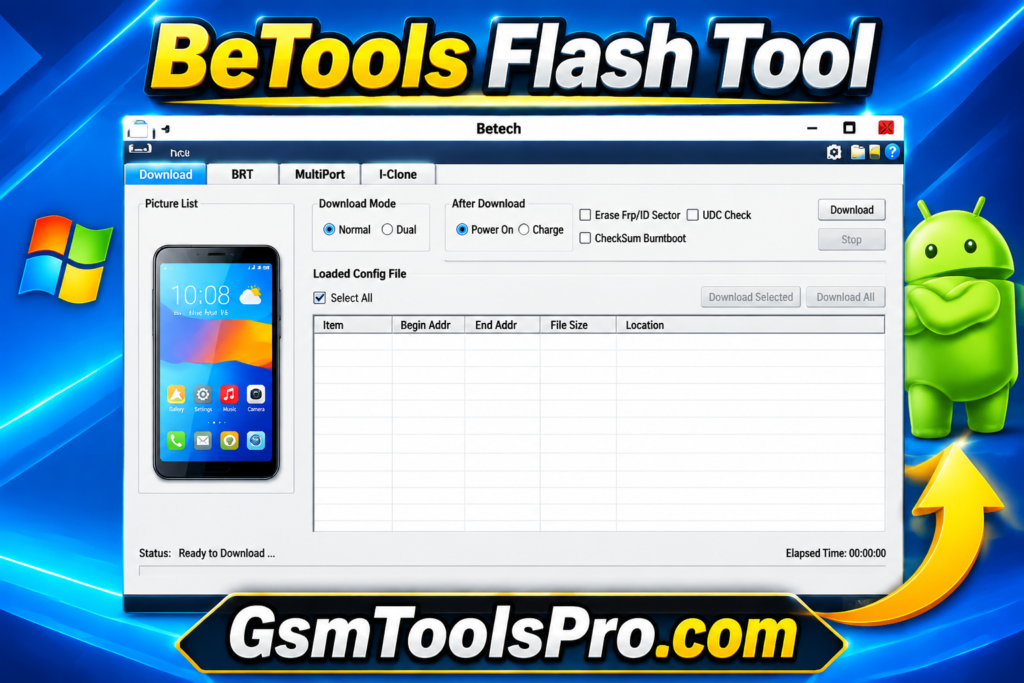
What Is BeTools?
BeTools Flash Tool is a free Windows software developed by Betrone Communication Co. for servicing Android phones powered by MediaTek and Spreadtrum chipsets. The tool supports stock firmware flashing through scatter, TXT, XML, and PAC files, along with screen lock servicing, IMEI writing, NVRAM backup and restore, and multi-port flashing to help technicians fix common software problems.
Features Of BeTools 2027
Firmware Flashing
Flash stock firmware on MTK and Spreadtrum/Unisoc devices using .TXT, .SCA, and .XML files.
File Support
Supports MediaTek scatter-loading files and Spreadtrum/Unisoc .PAC files for structured firmware installation and repair.
Multi-Port Flashing
Flash multiple devices at the same time, helping technicians handle several repair jobs efficiently.
NVRAM Backup and Restore
Back up and restore NVRAM and PRO_INFO data during firmware operations to protect important device information.
Write IMEI
Rewrite or restore the IMEI when software problems cause the device IMEI information to become corrupted.
Custom Firmware
Provides firmware options for users who need to install custom firmware on Android devices.
Screen Unlock and FRP
Provides options for removing screen locks and handling FRP-related servicing on Android devices.
Boot and Software Repair
Helps software problems such as boot loops, corrupted files, and failed software updates.
MTK and SPD Support
Supports Android devices powered by MediaTek and Spreadtrum/Unisoc chipsets.
What’s New in BeTools?
The latest listed BeTools v7.22.16.353 is still focused on MediaTek and Spreadtrum/Unisoc firmware servicing. The current feature set includes stock firmware flashing with .TXT, .SCA, .XML, and .PAC files, multi-port flashing, NVRAM/PRO_INFO backup and restore, IMEI writing, and firmware upgrade/downgrade support. The listed download is compatible with Windows 32-bit and 64-bit systems.
Download Information
| Details | Information |
|---|---|
| Tool Name | BeTools Flash Tool |
| Version | v7.22.16.353 |
| File Size | 52.8 MB |
| File Format | ZIP |
| File Password | None |
| Developer | Betrone Communication Co. |
| Platform | Windows |
System Requirements
| Component | Minimum Requirements |
|---|---|
| Operating System | Windows 7, 8, 8.1, 10, or 11 |
| Processor | Intel or AMD Processor |
| RAM | 2 GB (4 GB Recommended) |
| Storage | 200 MB Free Space |
| USB Port | USB 2.0 or 3.0 |
| USB Drivers | MediaTek / Spreadtrum Drivers |
| USB Cable | Compatible Android USB Data Cable |
| Architecture | 32-bit / 64-bit |
| Permissions | Administrator Privileges |
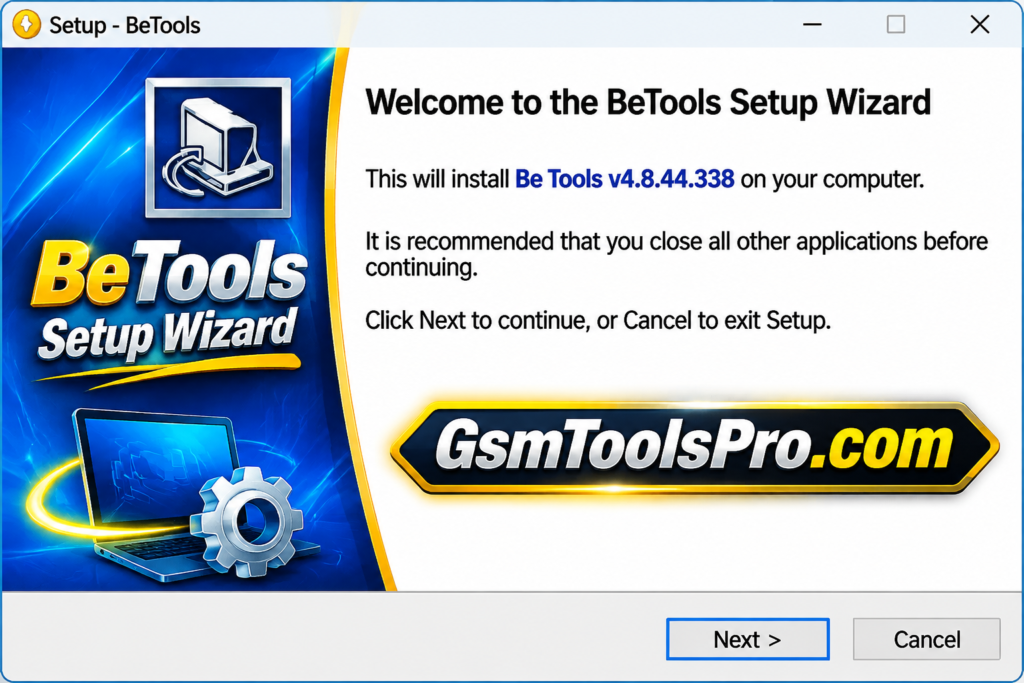
How to Download, Install & Use BeTools?
Download BeTools
- Download the latest BeTools ZIP package from a trusted website.
- Extract the downloaded ZIP file.
Install BE Tools
- Run the installer.
- Complete the installation process.
Launch as Administrator
- Open BeTools with administrator privileges.
- Allow the required Windows permissions.
Select Required Workspace
- Choose the required BeTools workspace.
- Select the appropriate project or file management option.
Start Using BeTools
- Configure the required options.
- Begin the supported flashing, repair, or device servicing process.
Pros and Cons
| Pros | Cons |
|---|---|
| Free to download and use. | Supports only MTK and SPD/Unisoc chipsets. |
| Supports stock firmware flashing. | Requires correct firmware files for each device. |
| Supports multiple devices through multi-port flashing. | Incorrect flashing can damage device software. |
| Offers NVRAM and PRO_INFO backup and restore. | Firmware flashing may erase user data. |
| Supports MediaTek scatter and SPD PAC files. | Requires compatible USB drivers. |
| Includes IMEI writing and firmware repair options. | Does not support Qualcomm or Exynos devices. |
| Works on Windows 32-bit and 64-bit systems. | No native macOS or Linux version. |
Also Read: Lizard Tool v1.0.7 Free Download Latest Version for PC 2027
Conclusion
BeTools Flash Tool is a Windows Application for flashing and repairing Android devices powered by MediaTek and SPD chipsets. The tool offers stock firmware installation, scatter and PAC file support, IMEI writing, NVRAM backup, and multi-port flashing. Its simple interface makes common servicing tasks easier for mobile technicians. However, always use compatible firmware and back up device data before flashing.
FAQs
What is Be Flash Tool used for?
BeTools is a Windows utility used to flash firmware, repair software issues, and service Android devices powered by MTK and SPD chipsets.
Does the tool support MediaTek and Unisoc devices?
Yes, BeTools supports MediaTek (MTK) and Spreadtrum/Unisoc (SPD) Android smartphones and tablets.
Can BeTools flash stock firmware?
Yes, it supports stock firmware flashing through compatible scatter, TXT, XML, and PAC files.
Does Tool support multi-port flashing?
Yes, its multi-port feature allows technicians to flash multiple supported devices simultaneously.
Can Tool remove FRP locks?
BeTools includes FRP-related servicing options for supported devices. Results depend on the device model and security version.
Will the software erase data during firmware flashing?
Yes, firmware flashing can erase device data. Always create a backup before starting the flashing process.

One Comment