
FRT Tool V1.7.5 Latest Version Free Download Full Activated
Android phones can get stuck with FRP locks, failed firmware, boot loops, or detection errors, making repairs difficult for technicians. FRT Tool V1.7.5 provides a practical solution with firmware flashing, FRP reset, Factory Reset, ADB, Fastboot, Qualcomm, and MediaTek support in one Windows tool.
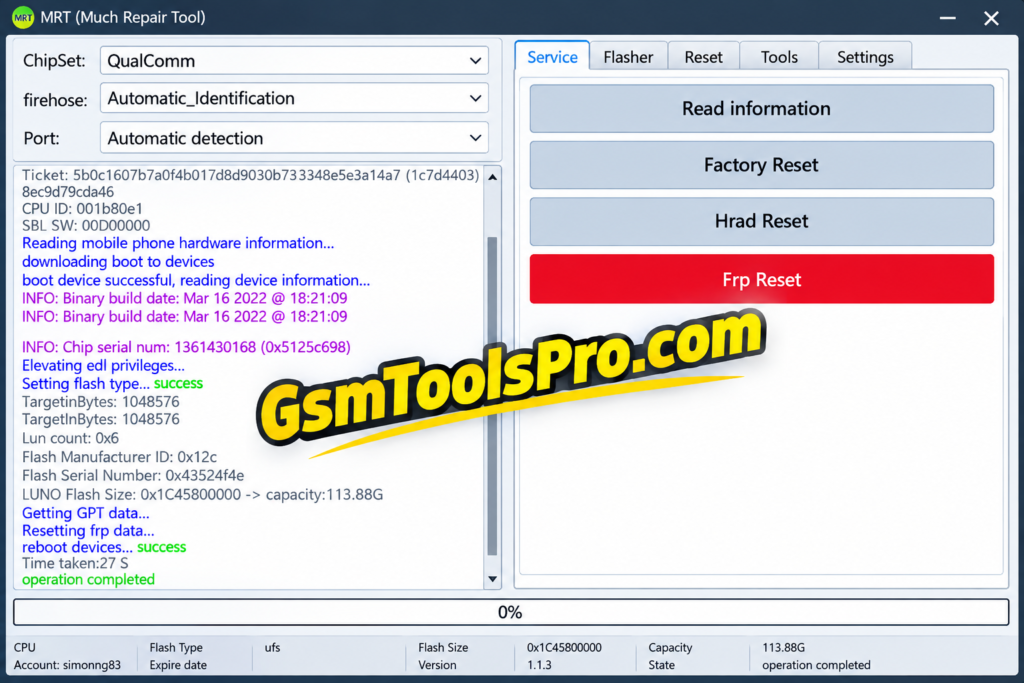
What Is FRT Tool?
FRT Tool is a Windows-based Android servicing software for Qualcomm, MediaTek (MTK), Spreadtrum, and Exynos chipset smartphones. It helps technicians with issues like firmware flashing, FRP reset, Factory Reset, Bootloader operations, device information, and software repair. The tool is useful for handling Android software issues and restoring devices. Furthermore, the tool supports many Android brands like Samsung, Xiaomi, Redmi, Vivo, Oppo, Realme, etc. Consequently making it is the best tool for daily repairs.
Key Features of FRT Tool
Auto Device Detection
The Tool can automatically detect the device and connect the mobile to your system, reducing the connection time and making the connection faster.
Multi-Brand Support
The software supports multiple mobile brands, including Vivo, Redmi, Huawei, Samsung, Xiaomi, Realme, etc making it the best repair software for many Android model devices.
Unlock the pass
FRT Tool helps to remove and unlock forgotten passwords, PINs, patterns, etc to make the device functional.
Easy Interface
The tool is designed user friendly and better UI, so it can be easily operated by beginners and save time.
Flashing & Firmware Repair
It allows you to flash and repair the firmware. It supports flashing stock ROMs on MTK, Qualcomm, and SPD-powered Android smartphones, tablets & repairing bootloops and other OS issues.
Fastboot & ADB Function
The FRT software uses Fastboot & ADB Functions to communicate and connect the device with your pc foe repairing.
IMEI & Network Repair
Repair the IMEI and network issues by using the tool; it provides option too costumize.
Download Information
| Information | Details |
| Software Name | FRT Flash Repair Tool |
| Version | 1.7.5 |
| Operating System | Windows 7, 8, 10, 11 |
| Architecture | 32-bit & 64-bit |
| File Type | ZIP / EXE |
| Developer | FRT Team |
| Tool Type | Premium |
| Platform | Windows PC |
FRT Tool v1.7.5 System Requirements
| Requirement | Details |
| Operating System | Windows 7 or newer |
| RAM | Minimum 4 GB |
| Framework | .NET Framework |
| USB Drivers | ADB, SPD, MTK, Qualcomm drivers |
| USB Cable | Working USB data cable |
| Computer | Windows PC/Laptop |
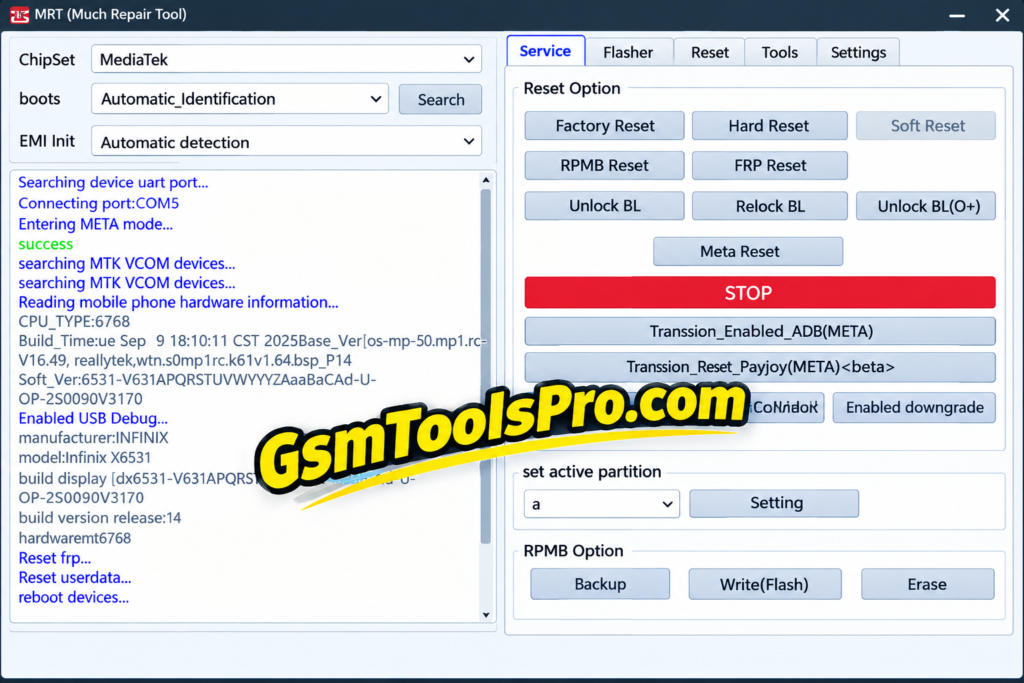
How to Install FRT Tool V1.7.5
- Download the FRT Tool V1.7.5 setup file on your Windows PC from a trusted source.
- Extract the downloaded ZIP file.
- Install the required MTK, Qualcomm, and SPD USB drivers.
- Right-click the setup file and select Run as Administrator.
- Follow the Windows installation wizard and click Next.
- Select the installation folder and click Install.
- Wait until the installation process is completed.
- Launch the FRT Tool from the desktop or Start menu.
- Register your account and purchase the required activation to use premium features.
Pros & Cons
| Pros | Cons |
| Supports MediaTek and Qualcomm devices | Works only on Windows PCs |
| Includes firmware flashing and backup functions | USB drivers may need manual installation |
| Provides FRP, Factory Reset, and Hard Reset options | Advanced functions require technical knowledge |
| Supports OFP firmware extraction and Super IMG packing | Some features depend on the supported device/model |
| Includes RPMB backup, write, and erase operations | Incorrect firmware or operations can cause data loss |
| Combines multiple Android servicing functions in one tool | Premium activation is required for the paid version |
Also Read: Sam Tool v1.36 Download FRP, Firmware & IMEI Tool Free for Windows
Conclusion
FRT Tool V1.7.5 is a Windows-based Android servicing tool for MediaTek (MTK), Qualcomm, Spreadtrum, and Exynos devices. It combines firmware flashing, FRP reset, Factory Reset, Bootloader operations, device information, and firmware tools in one interface. For technicians handling Android software issues, FRT Tool provides a practical set of repair and servicing functions.
FAQ’s
What is FRT Tool used for?
FRT Tool is a Windows Android servicing utility used for firmware flashing, FRP reset, Factory Reset, device information, and other repair operations.
Does FRT support Qualcomm and MediaTek?
Yes. FRT Tool supports both Qualcomm and MediaTek (MTK) platforms, with features depending on the supported chipset and device.
Why is my phone not detected in FRT Tool?
Check the correct MTK, Qualcomm, or ADB USB drivers, USB cable, connection mode, and Windows Device Manager before trying again.
Can FRT Tool remove FRP?
FRT Tool includes an FRP Reset function for supported Android devices. Compatibility can vary by model, chipset, and security level.
Can FRT Tool flash firmware?
Yes. Its Flasher section can read device information, create backups, flash firmware, and erase supported partitions.
What are RPMB operations in FRT Tool?
RPMB functions are advanced operations for Replay Protected Memory Block data, including backup, write, and erase functions on supported devices.

![Minimal ADB and Fastboot Tool Free Setup[Activated 2026]](https://gsmtoolspro.com/wp-content/uploads/2026/09/Minimal-ADB-and-Fastboot-Tool-Free-SetupActivated-768x576.png "Minimal ADB and Fastboot Download Free Setup[Activated 2026] 4")
One Comment