
Titan Tool v7.0.0 Download Latest Version Setup 2026 (100% Working)
Are you facing Android issues like logo stuck on screen, forgotten passwords, FRP lock, etc? These issues can prevent the smooth use of mobile. Titan Tool v7.0.0 is the best solution for these issues. It provides firmware flashing, device unlocking ,FRP bypss etc features in one software. The tool supports various brands, including Samsung, Xiaomi, Oppo, Tecno, Vivo, etc. It also supports chipsets such as Qualcomm, MTK, SPD, etc making it the best tool for daily services.
What is Titan Tool?
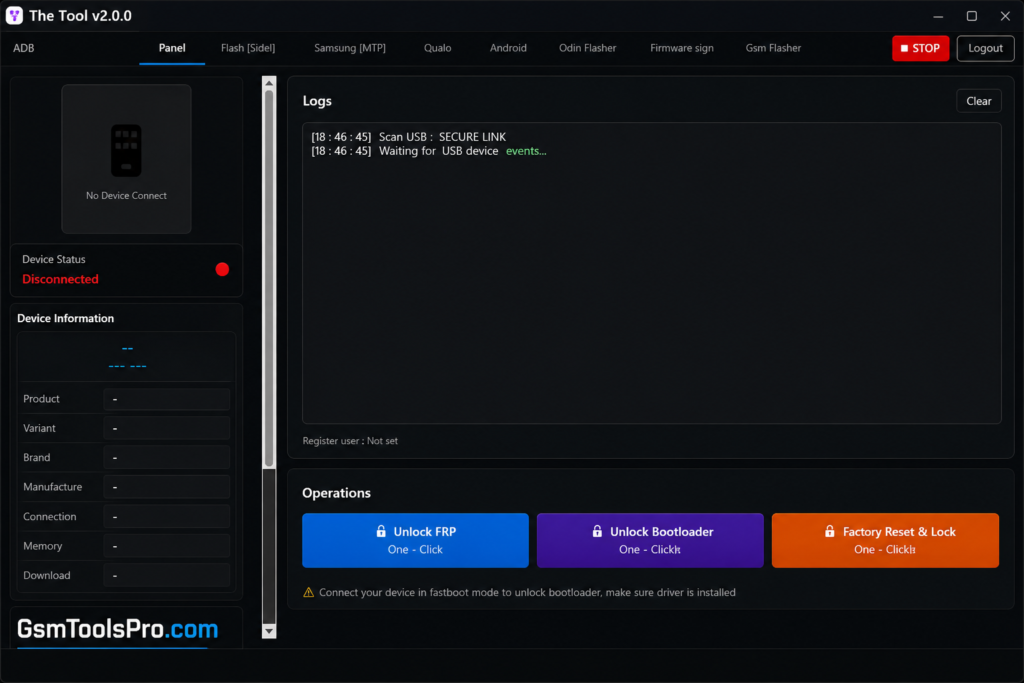
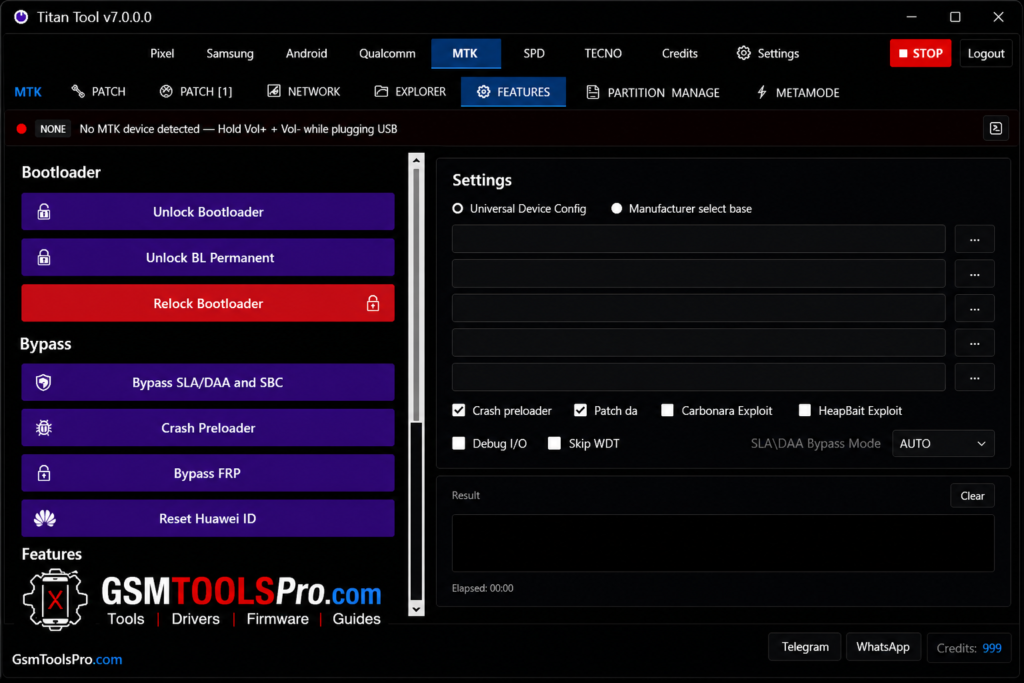
Titan Tool is a Windows-based Android repair tool that uses ADB & fastboot to run commands and resolve issues such as FRP reset, screen lock removal, firmware flashing, IMEI repair, and bootloader unlock/relock. The Tool supports various brands, including Samsung, MediaTek (MTK), Qualcomm, SPD (Unisoc), and TECNO devices. Consequently, the Titan tool is fast, easy to use, and reliable software for daily work.
Features Of Latest Version 2026
Firmware Flashing
When your screen is stuck on the logo, software corruption, or a boot loop issue, the solution is to flash. This feature allows installing, reinstalling, and updating firmware on Android devices.
Device Unlocking
When you forget your Pattern Locks, PIN Locks, Password Locks, or Screen Locks, the Titan tool helps to remove these passwords safely
FRP Removal
After a factory reset, Factory Reset Protection (FRP) can lock devices, and you can’t access the device. FRP bypass helps to overcome this issue and is easy to use on mobile.
Multi-Brand Support
The software is designed to work for multiple devices, so the technicians can operate multiple devices from one software. Supported brands include Samsung, Xiaomi, Oppo, Tecno, Vivo, Realme, Infinix, etc.
ADB and Fastboot Support
With the help of this feature in this tool, you can operate devices smoothly. It makes a reliable and safe bridge between devices.
Device Information Reader
The tool allows reading the device information, such as Model Number, Android Version, Build Number, Security Patch Level, IMEI Information, and Bootloader Status, which helps to solve issues accurately.
Fast Processing Engine
The setup is designed to be lightweight and fast, so the technicians can use the setup on low-level operating systems.
User-Friendly Interface
The Titan tool has a user-friendly interface that can be easily operated by beginners, without facing any complicated steps.
What’s New in v7.0.0?
The new version comes with several fixes and features, which are given below.
- Improved FRP Removal Functions
- Enhanced Qualcomm Support
- Updated MediaTek Loaders
- Better Device Detection
- Improved Flashing Stability
- Faster Processing Performance
- Bug Fixes and Optimizations
- Additional Device Compatibility
Supported Chipsets
Qualcomm
- Firmware Flashing
- FRP Removal
- Device Unlocking
- IMEI Functions
MediaTek (MTK)
- Firmware Flashing
- Factory Reset
- FRP Bypass
- Device Servicing
SPD (Unisoc)
- Flash Operations
- Security Repairs
- Device Information
- Software Servicing
Samsung
- FRP Removal
- Firmware Flashing
- Device Maintenance
System Requirements Titan Software
| Component | Requirement |
| Operating System | Windows 7, 8, 10, or 11 (64-bit Recommended) |
| Processor | Intel or AMD Dual-Core Processor or Higher |
| RAM | 4 GB Minimum (8 GB Recommended) |
| Storage | At Least 1 GB of Free Disk Space |
| USB Drivers | Android USB Drivers Installed |
| Internet | Stable Internet Connection |
| Other | USB Cable and Administrator Privileges |
How to install Titan Tool v7.0.0?
- Get the Titan Tool v7.0.0 setup file from a trusted source.
- Extract the ZIP or RAR archive using WinRAR or 7-Zip.
- Install the required Android USB and ADB drivers.
- Run the setup file as Administrator.
- Complete the installation by following the on-screen instructions.
- Launch Titan Tool.
- Enable USB Debugging on your Android device.
- Connect the device to your PC using a USB cable.
- Select the required function and start the servicing process.
Download Information fro Titan Tool
| Download Information | Details |
| Tool Name | Titan Tool |
| Version | v7.0.0 |
| File Size | Approximately 120 MB |
| File Type | ZIP / RAR |
| Category | Android / Mobile Repair Tool |
| Supported OS | Windows 7, 8, 10, 11 |
| Architecture | 32-bit & 64-bit |
| Chipset Support | Qualcomm, MediaTek (MTK), SPD / Unisoc |
| Required Drivers | Android USB / ADB Drivers |
| Extraction Tool | WinRAR / 7-Zip |
Also Read: Android Multi Tool V1.3.5.9 Latest Activated Setup Download 2026
Conclusion
Titan tool is the most powerful servicing software, which helps technicians with firmware flashing, FRP bypass, IMEI repair, system erase, device information, bootloader management, and device unlocking in one place. It supports multiple brands, including Xiaomi, Redmi, Samsung, Tecno, etc. Furthermore, the tool supports multiple chipsets, including Qualcomm and MediaTek chipsets, to connect the device easily and safely. Due to its various features, it is widely used in daily repairs. Consequently, if you want to download, you can download it from our website within just a few clicks.
Frequently Asked Questions
Does Titan Tool require an internet connection?
Some Titan Tool functions may depend on online services or authentication, while other servicing operations can work locally. The requirement depends on the selected function and device.
Can Titan Tool work with Samsung Download Mode?
Titan Tool includes Samsung servicing functions, and Samsung operations may use Download Mode depending on the supported model and selected operation.
Does Titan Tool support EDL mode?
Titan Tool supports EDL 9008 mode for supported Qualcomm devices. The available functions depend on the device and the selected Qualcomm operation.
Can Titan Tool back up device partitions?
For supported Qualcomm and MediaTek devices, Titan Tool provides partition-related functions such as backup, read, write, or erase depending on the module and device.
Does Titan Tool support Android 15 and Android 16?
Current listings report Android 15 & 16 support for some Samsung FRP functions, but compatibility can vary by model, security patch, and servicing method.
![Minimal ADB and Fastboot Tool Free Setup[Activated 2026]](https://gsmtoolspro.com/wp-content/uploads/2026/09/Minimal-ADB-and-Fastboot-Tool-Free-SetupActivated-768x576.png "Minimal ADB and Fastboot Download Free Setup[Activated 2026] 4")