GSM Flasher Tool Free Setup Download Latest Version [2026]
Android phones can face FRP locks, screen locks, software errors, or flashing problems, making repair difficult. GSM Flasher Tool brings ADB, firmware flashing, device reset, MediaTek, Qualcomm, Samsung, Xiaomi, and OPPO support into one Windows setup for Android devices, giving technicians a simple way to handle common Android servicing tasks.
What is the GSM Flasher Tool?
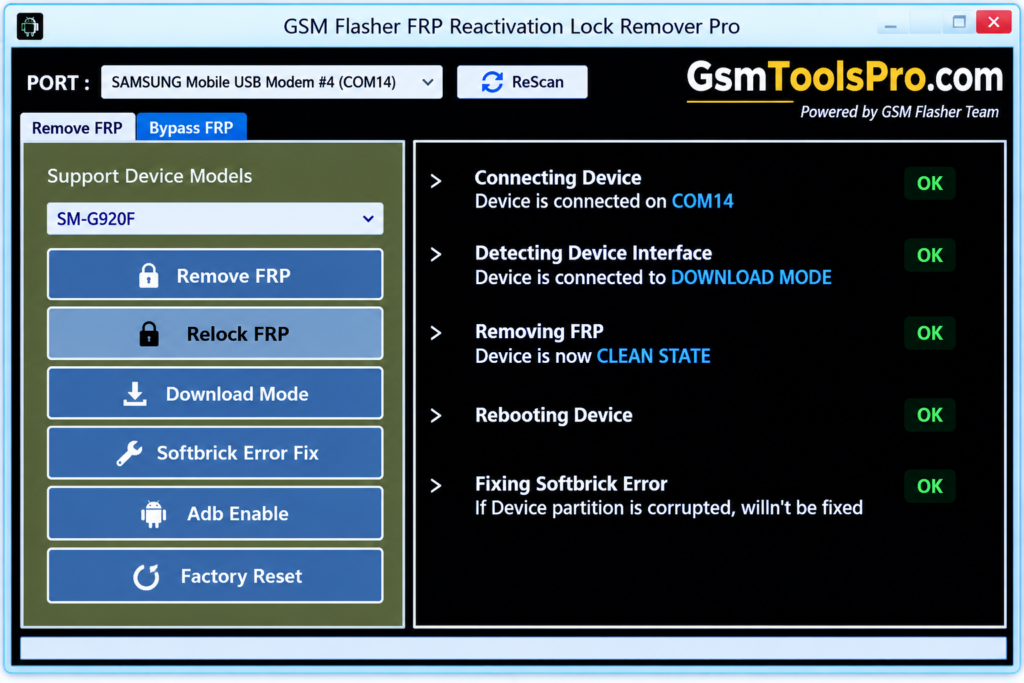
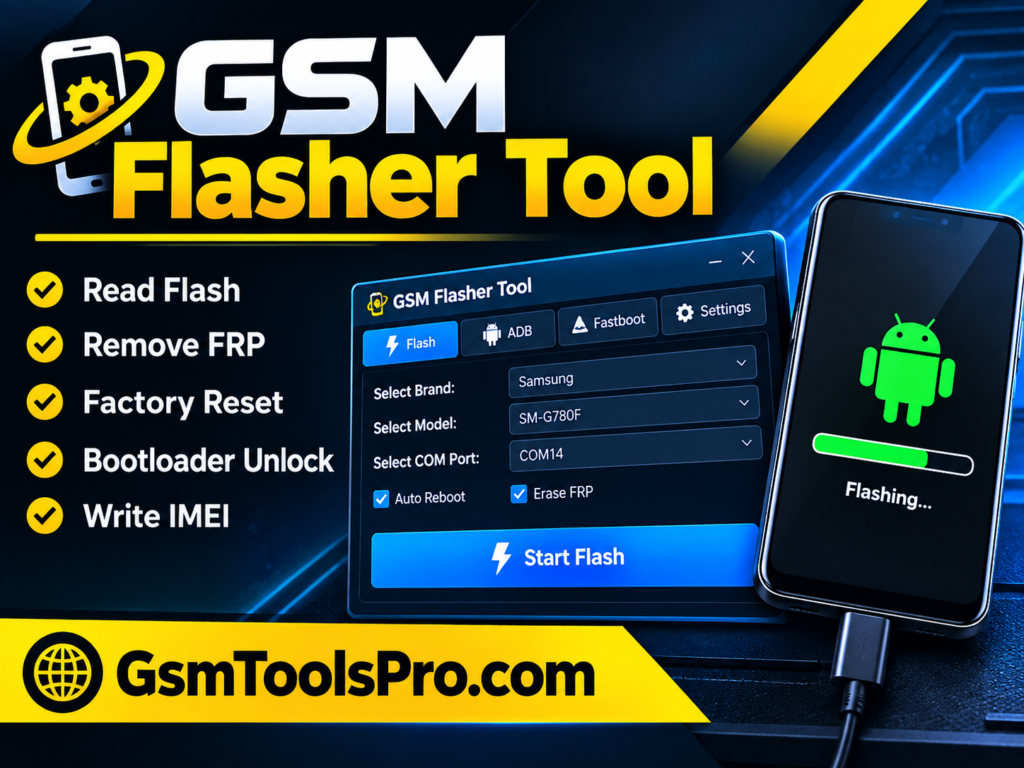
GSM Flasher Tool is a Windows-based Android servicing software for repairing smartphones. It solves issues such as firmware flashing, device reset, screen lock removal, FRP operations, and ADB communication. Furthermore, the tool works on MediaTek (MTK) and Qualcomm devices and supports mobile brands such as Samsung, Xiaomi, Vivo, OPPO, and other Android phones, depending on the model and Android version. Consequently, it is the best repair tool for servicing.
Key Features of Flasher GSM 2026
ADB-Based FRP Operations
GSM Flasher Tool uses Android Debug Bridge (ADB) to communicate with Android devices and perform FRP operations when ADB access and device compatibility are available.
Screen Lock Removal
The tool helps remove PIN, password, and pattern locks from Android devices, making it useful for technicians handling common device-lock issues.
Multi-Brand Android Support
The tool supports Android brands including Samsung, Xiaomi, Huawei, LG, Motorola, Lenovo, Vivo, OPPO, and ZTE.
MediaTek and Qualcomm Support
GSM Flasher Tool supports MediaTek (MTK) and Qualcomm Snapdragon devices, allowing technicians to work with different Android hardware platforms.
Firmware Flashing
Some releases provide firmware flashing functions for devices. Technicians can use stock firmware packages to reinstall or repair the device software.
Simple User Interface
The tool provides a simple interface with clear options for Android servicing tasks. Its simple navigation helps technicians manage operations without complicated menus or settings.
Download Information
| Information | Details |
| File Name | GSM Flasher Tool |
| File Size | 149 MB |
| File Password | 123 |
| Platform | Windows |
| Tool Type | Android Servicing Tool |
System Requirements
| Requirement | Details |
| Operating System | Windows XP, 7, 8, 10, or 11 |
| Processor | Intel or AMD processor |
| RAM | 2 GB minimum; 4 GB recommended |
| Storage | At least 1 GB of free space |
| USB Cable | Working USB data cable |
| USB Drivers | Android/ADB drivers required |
| Device | Compatible Android smartphone or tablet |
| Connection | ADB or supported device mode |
How to Download and Use
- Download the GSM Flasher ADB Tool from a trusted source and check the version, file size, and password details.
- Extract the ZIP or RAR package using WinRAR, 7 Zip, or another file extraction tool.
- Install the correct Android USB or ADB drivers so Windows can detect the connected phone.
- Open the extracted folder and run the GSM Flasher executable as Administrator if required.
- Connect the Android phone to the PC using a working USB data cable and allow USB debugging when prompted.
- Wait for the tool to detect the connected device. If it is not detected, check the drivers, cable, USB port, and Device Manager.
- Select the required function, such as device information, ADB functions, firmware flashing, or supported maintenance tasks.
- Follow the on screen instructions and wait for the operation to finish. Do not disconnect the phone during the process.
| Pros | Cons |
|---|---|
| Free versions are available for download | Support varies by Android version and device model |
| Supports multiple Android brands and models | Some operations require proper USB drivers and device modes |
| Simple interface for common servicing tasks | Advanced tasks require technical knowledge |
| Supports ADB-based device operations | Some versions may require activation or a license key |
| Supports firmware flashing on supported devices | Incorrect operations can cause software or boot issues |
| Works with different Windows versions |
Also Read: BMB Tool v7.0 Download Free Setup 100% Activated
Conclusion
GSM Flasher Tool helps with Android servicing tasks such as firmware flashing, ADB communication, device reset, screen lock removal, and FRP operations. It supports MediaTek and Qualcomm devices on compatible models. Its simple interface makes basic repair work easier. Overall, GSM Flasher Tool is a useful option for technicians working with Android smartphones and tablets.
FAQ’s
Why is the GSM Flasher Tool not detecting my Android phone?
GSM Flasher may not detect the phone because of missing ADB or USB drivers, a faulty USB cable, disabled USB debugging, or an unsupported device mode. Check the connection and Windows Device Manager first.
Can GSM Flasher Tool work without ADB enabled?
For ADB-based operations, the phone must be accessible through Android Debug Bridge. If ADB communication is unavailable, the tool may not detect the device or complete the selected operation.
Does GSM Flasher Tool work on newer Android versions?
Its support depends on the Android version, security patch, device model, and available device mode. Older releases were mainly associated with older Android versions, so newer phones may have limited functionality.
Why does GSM Flasher show a driver or COM Port error?
A driver or COM Port error can appear when Windows cannot correctly identify the connected phone. Installing the correct Android, MediaTek, Qualcomm, or Samsung USB driver can help resolve the connection problem.
Why does GSM Flasher fail during the flashing process?
Flashing can fail because of an incorrect firmware package, an unsupported model, missing drivers, an unstable USB connection, or an incompatible device mode. Always use firmware that matches the exact phone model.
Why is GSM Flasher asking for an activation key?
Some older GSM Flasher releases or specific editions may require an activation key or license before certain functions can be used. The requirement depends on the version and package you have downloaded.