Sam Tool v1.36 Download FRP, Firmware & IMEI Tool Free for Windows
FRP locks, firmware errors, EUB issues, and Samsung software problems can slow down daily repairs. Sam Tool v1.36 provides a practical Windows solution with FRP reset, firmware flashing, EUB mode, IMEI repair, bootloader, and device information functions for supported Samsung Galaxy devices.
What Is the SAM Tool?
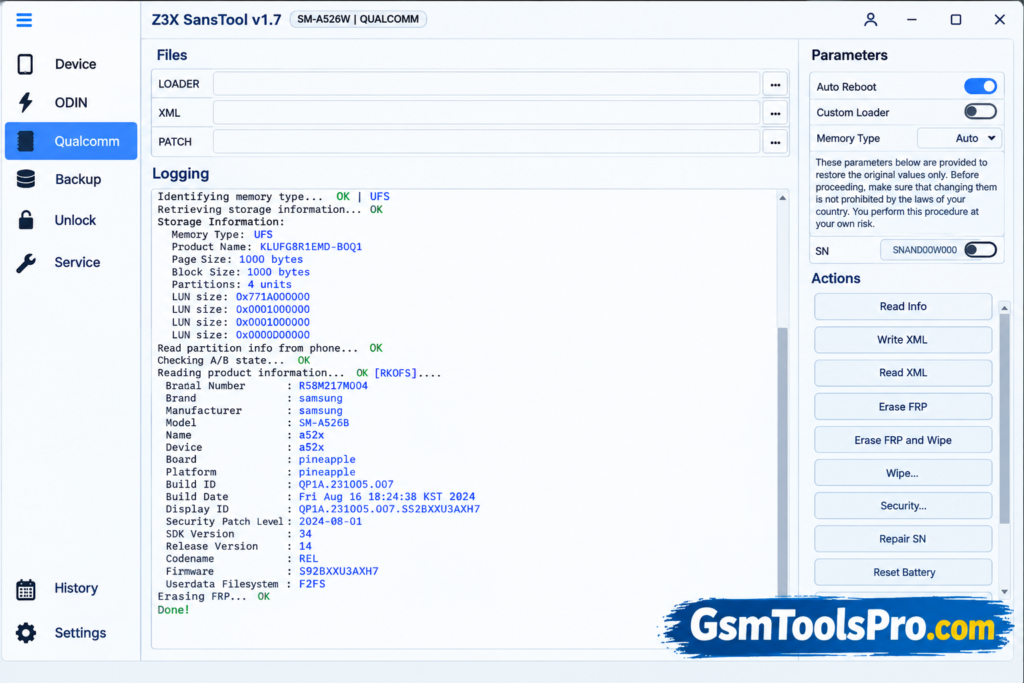
SAM Tool is a Windows-based Samsung repair tool for technicians working with Samsung Galaxy smartphones and tablets. It helps with tasks such as firmware flashing, FRP reset, device information reading, EUB mode, bootloader operations, CSC changes, partition management, network unlock, IMEI and SN repair, and certificate backup. SAM Tool is designed for daily Samsung repairs, software maintenance, unlocking, and troubleshooting through device modes and service functions.
Key features of SAM Tool
Switch to EUB Mode
The Tool can switch Samsung devices to EUB mode for servicing. This helps technicians perform operations through the device connection.
Easy Partition
The SAM Tool includes an Easy Partition function for Samsung devices. It allows technicians to access and manage device partitions.
Reset FRP
The Tool can reset FRP on Samsung models. This function is used during Samsung device servicing and reset operations.
Read Device Information
SAM software can read detailed information from connected Samsung devices. It displays available models, software, chipset, and device details, helping you choose the correct service.
Unlock Network/Region Locks
The software supports network and region lock operations on compatible Samsung devices. Support can vary depending on the model and device security version.
Read/Write Device Backups
It supports reading and writing backups on compatible Samsung devices. This allows technicians to save or restore supported device data.
Bootloader Unlock
It provides bootloader unlock functions for supported Samsung models. The available operation depends on the device model and security status.
Repair IMEI
This tool includes IMEI repair functions for Samsung. Support depends on the device model, chipset, and available service mode.
Update Firmware
SAM Tool supports firmware update operations on devices. Technicians can use firmware files to update or repair device software.
Download Information
| Download Info | Details |
| Tool Name | SAM Tool / SamsTool Online |
| Version | v1.36 |
| File Name | SamsTool_Installer_v1.36 |
| File Size | 116 MB |
| File Type | Installer |
| Developer | Z3X-Team |
| Operating System | Windows |
| Latest Listed Date | September 7, 2026 |
| Official Download | Z3X portal |
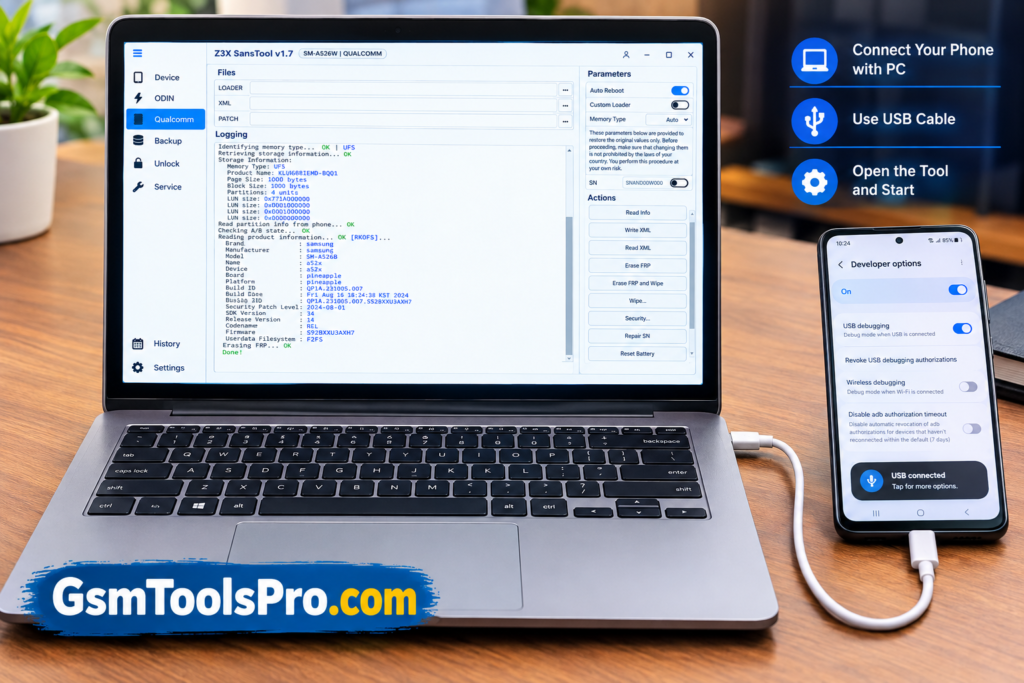
How to Install The Tool?
- Register your account on the official Z3X portal using your email address.
- Confirm your email and log in to the Z3X portal.
- Open the Login section and assign your SAM Tool login using the credentials received from the official reseller.
- Download the latest SAM Tool Online installer from the portal download page.
- Run the downloaded installer and complete the installation on your Windows PC.
- Open SAM Tool and enter the assigned username and password to start using the software.
- Select your supported Samsung device and use the required servicing function from the tool.
Pros and Cons
| Pros | Cons |
| Supports many Samsung servicing functions | Requires a paid 1-year subscription |
| Supports Exynos, MTK, Unisoc, and Qualcomm Samsung devices | One license is limited to one personal PC |
| Includes FRP, firmware, bootloader, and IMEI functions | Some operations may require Z3X credits |
| Provides EUB mode and Easy Partition functions | Supported functions vary by Samsung model |
| Supports backup, CSC, certificate, and network operations | Requires an internet-connected online service |
| Regular support for newer Samsung devices | Login sharing and remote use are not allowed |
Also read: How to Fix Huawei FRP Lock After Factory Reset Full 100% Solution
Conclusion
SAM Tool is a Samsung servicing solution for technicians working with Galaxy devices. It brings useful functions such as firmware flashing, FRP reset, EUB mode, etc functions into one Windows platform. Its support can vary by model and security version, but SAM Tool provides a practical set of tools for Samsung software servicing and repair.
FAQ’s
Does it support FRP reset?
Yes, SAM Tool supports FRP reset on selected Samsung models. Support depends on the model, Android version, and security level.
Does this Tool support EUB mode?
Yes, it supports EUB mode on compatible Samsung devices. EUB availability depends on the supported processor and model.
Can It repair Samsung IMEI?
SAM Tool includes IMEI repair for supported Samsung devices. Support varies by model, chipset, firmware, and security version.
Why does the Tool show EUB errors?
EUB errors can occur with unsupported models, firmware, or security versions. Check the supported device list before starting the operation.
Does SAM software support all Samsung models?
No, SAM Tool does not support every Samsung model or function. Support varies according to the device model and security version.
Where can I download the latest version?
The latest SAM Tool version is available through the official Z3X download portal. You need a valid SAM Tool account to access it.
![EMC Activator v1.5.2 for iOS & iPad Download Latest Update Setup 2026 [100% Working]](https://gsmtoolspro.com/wp-content/uploads/2026/09/EMC-Activator-v1.5.2-for-iOS-iPad-Download-Latest-Update-Setup-2026-100-Working-768x512.png "EMC Activator v1.5.2 for iOS & iPad Download Latest Setup 2026 [100% Working] 3")

![Xiaomi Tool v2026.01.18 Use for Mi Account Setup Download [2026] (2)](https://gsmtoolspro.com/wp-content/uploads/2026/09/Xiaomi-Tool-v2026.01.18-Use-for-Mi-Account-Setup-Download-2026-2-768x576.png "Xiaomi Tool v2026.01.18 Use for Mi Account Setup Download [2026] 5")