Ultra Unlock Tool V4.4.3 Download Setup for Android Devices [2027]
Facing Samsung FRP locks, unlocking errors, or difficult Android servicing tasks? Ultra Unlock Tool v4.4.3 brings Samsung Direct Unlock through MediaTek BROM and ISP modes, plus firmware flashing, CSC Change, Qualcomm EDL, and partition management to help technicians service supported Samsung, Motorola, and Xiaomi devices.
What Is Ultra Unlock Tool?
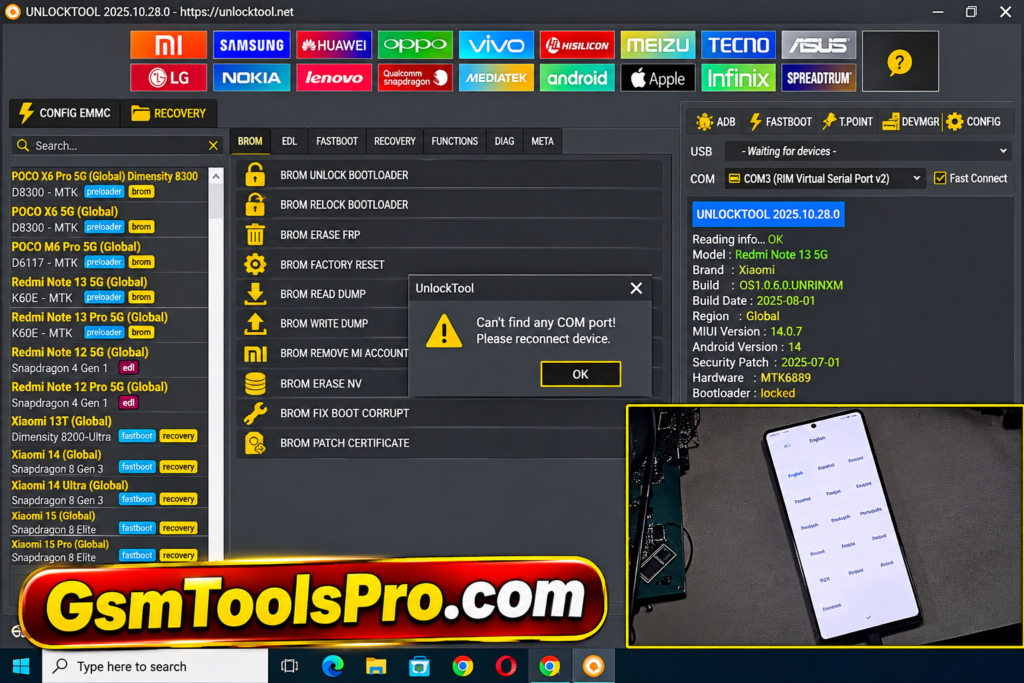
Ultra Unlock Tool is a Windows-based Android servicing software. The tool supports brands such as Samsung, Motorola, Xiaomi, etc., and supports MediaTek, Qualcomm, HiSilicon, and Unisoc devices. Furthermore, it provides features like FRP bypass, bootloader unlocking, firmware flashing, Direct Unlock, BROM, and ISP modes.
Key Features of the Ultra Unlock Tool 2027
Samsung Direct Unlock
Ultra Unlock Tool supports Direct Unlock for Samsung devices through MTK BROM and ISP methods, including Ask Code and TracFone models.
MediaTek BROM Unlock
The tool supports MediaTek BROM unlocking on Android devices, allowing technicians to enter BROM mode and perform servicing operations manually.
MTK ISP Support
The unlock tool provides MTK ISP unlocking using dump files such as nvdata.img, nvram.img, protect1.img, and protect2.img from test-point workflows.
Samsung FRP and CSC
The tool provides Samsung FRP Bypass and CSC Change functions. Technicians can handle security patches, regional settings, and carrier-related servicing tasks.
Qualcomm Servicing
Ultra Tool supports Qualcomm devices with functions such as EDL, Auto Direct Firehose, Factory Reset, Erase Modems, and Read Device Info.
Firmware Flashing
The built-in Flasher supports firmware operations for chipsets and brands, including Samsung, Xiaomi, Motorola, and other Android devices.
Partition Manager
Unlock Ultra Tool includes a partition manager for Qualcomm and Unisoc devices, allowing technicians to work with device partitions during servicing tasks.
Motorola and Xiaomi Support
The tool supports Motorola and Xiaomi models with features such as code services, Fastboot flashing, BAT files, EDL reboot, Download Mode, and Sideload operations.
What’s New in Ultra Unlock Tool v4.4.3?
- Samsung Direct Unlock via MTK BROM for supported Ask Code and TracFone devices.
- MTK ISP Direct Unlock using raw dump files from ISP or Testpoint methods.
- Added support for nvdata.img, nvram.img, protect1.img, and protect2.img files.
- Added selected Samsung models, including SM-S127DL and SM-S326DL.
- Expanded Samsung servicing with model-specific unlocking support in the v4.4.3 build.
Download Information
| Information | Details |
|---|---|
| Tool Name | Ultra Unlock Tool |
| Version | v4.4.3 |
| File Size | 33 MB |
| File Type | ZIP / RAR |
| Platform | Windows PC |
| License | Free Download* |
| Developer | Ultra Tool Team |
System Requirements
| Component | Minimum Requirements |
|---|---|
| Operating System | Windows 7, 8, 8.1, 10, 11 |
| Processor | Intel Dual-Core / AMD Equivalent |
| RAM | 2 GB |
| Storage | 1 GB Free Space |
| System Type | 32-bit / 64-bit |
| USB Port | Working USB 2.0 Port |
| USB Drivers | Samsung USB, MediaTek VCOM |
| Connection | Stable USB Connection |
| Internet | Required for online services |
How to Download & Install the Ultra Unlock Tool?
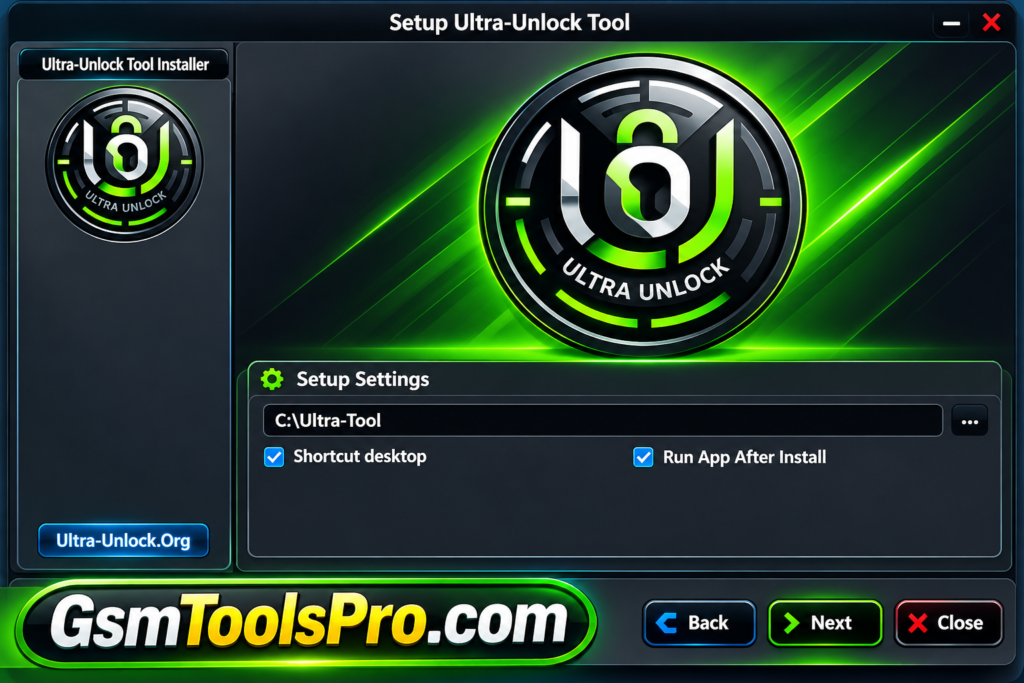
- Download the Setup: Visit the official Ultra Unlock website and download the compatible Ultra Unlock Tool package for your Windows PC.
- Extract the Files: Locate the downloaded ZIP or RAR archive, right-click it, and extract all files into a separate folder.
- Install USB Drivers: Install the required Samsung USB drivers and other device-specific drivers so Windows can detect the connected smartphone.
- Open the Software: Navigate to the extracted folder and launch the Ultra Unlock Tool executable file with administrator privileges.
- Sign In to Your Account: Enter your registered account details and check your available credits or activation status before using online services.
- Connect Your Samsung Device: Use a reliable USB cable and connect the supported Samsung phone to your computer in the required connection mode.
- Select the Unlock Method: Choose MTK BROM or MTK ISP according to your device model and the available servicing method.
- Start the Operation: Follow the on-screen instructions, select the required service, and wait for the tool to complete the supported unlocking process.
- Verify the Result: Restart the smartphone after successful completion and check whether the selected servicing operation has worked correctly.
Pros and Cons
| Pros | Cons |
|---|---|
| Supports Samsung Direct Unlock through MTK BROM and ISP modes. | BROM unlocking requires manually entering the device into BROM mode. |
| Works with selected Samsung Ask Code and TracFone models. | Direct Unlock compatibility is limited to supported models. |
| Supports ISP and Testpoint dump files for unlocking operations. | Requires correctly prepared raw dump files. |
| Includes support for nvdata.img, nvram.img, protect1.img, and protect2.img. | Incorrect or incompatible dump files may cause servicing errors. |
| Provides multiple mobile servicing options in one Windows utility. | Some operations require account activation or paid credits. |
| Offers additional Samsung servicing and device-specific functions. | Supported functions vary by device model and security version. |
Get Hardware Tool: MaAnt Schematic Tool (Maintenance Assistant) V2.0.1.33 Free Download for Windows
Conclusion
Ultra Unlock Tool v4.4.3 is a useful mobile servicing application for technicians working with Android devices. The tool offers Samsung Direct Unlock through MediaTek BROM and ISP modes, along with FRP, KG unlocking, IMEI repair, certificate management, CSC services, and firmware flashing. It also supports selected Samsung, Motorola, and Xiaomi models. Consequently, before using it, check the software version, chipset, device compatibility, and required dump files for a safe servicing workflow.
FAQs
What is Ultra Unlock Tool v4.4.3 used for?
Ultra Unlock Tool v4.4.3 is used for supported mobile servicing tasks, including Samsung Direct Unlock through MediaTek BROM and ISP modes.
Which Samsung models are supported by Ultra Unlock Tool?
The v4.4.3 update lists SM-S127DL, SM-S134DL, SM-S136DL, SM-S215DL, and SM-S326DL for supported BROM and ISP unlocking operations.
What is the difference between MTK BROM and MTK ISP?
MTK BROM requires manually entering the phone into BROM mode, while MTK ISP uses raw dump files obtained through ISP or Testpoint methods.
Is Ultra Unlock Tool compatible with all Android devices?
No. Compatibility depends on the smartphone model, chipset, security version, and available servicing functions. Check the supported device list before starting.
Which files are required for MTK ISP unlocking?
The supported ISP method uses raw image files, including nvdata.img, nvram.img, protect1.img, and protect2.img, obtained through compatible dump procedures.
Does Ultra Unlock Tool require an internet connection?
Some Ultra Unlock services may require an internet connection and an active account. Check account activation and credit requirements before using online functions.