
MR Auth Tool Firmware Download and Xiaomi Flashing 2027 Guide
MR Auth Tool firmware can be difficult to handle when the right package, region, or build is unclear. The tool brings firmware search and Xiaomi servicing into one workflow, with model and PCB-based firmware lookup, regional files, EDL, FDL, and FRP services. This guide explains the firmware download process, Xiaomi flashing workflow, supported brands, common errors, and key precautions for Android technicians.
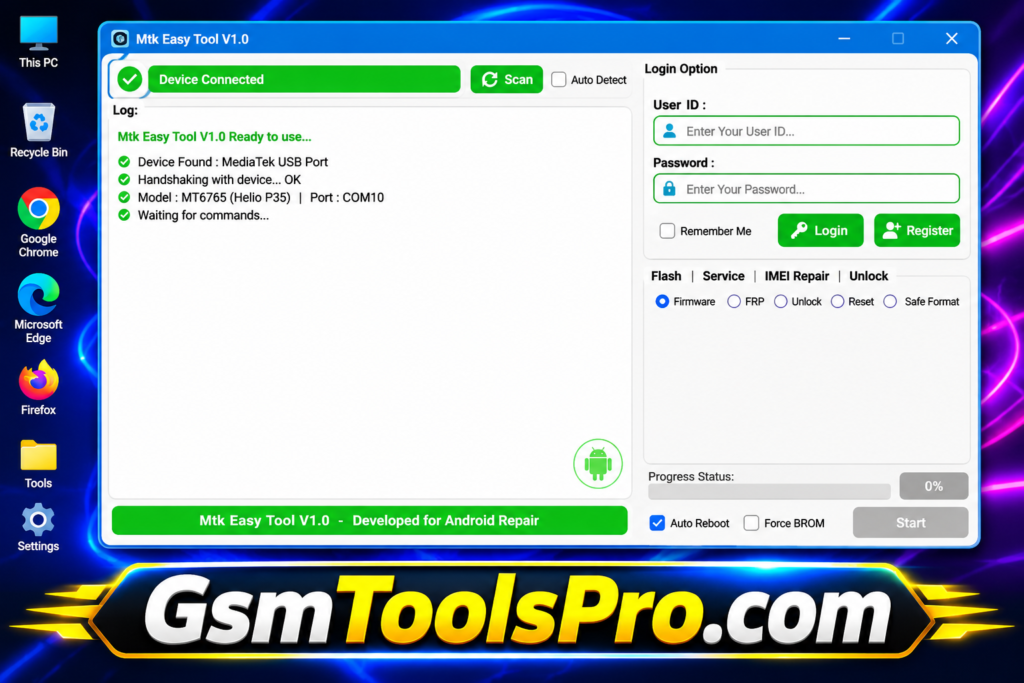
Download From HERE: MR Auth Tool Firmware, FRP Removal, Xiaomi EDL & Flashing Setup [2027]
What Is MR Auth Tool Firmware?
MR Auth Tool Firmware helps users find and download firmware files for supported Android devices. MR Auth Tool provides firmware-related services that technicians can use when repairing software issues, updating device software, or flashing Xiaomi phones. It helps users select the required firmware according to their device model and version. Before flashing, always check the firmware compatibility because using an incorrect file can cause boot problems or other software errors.
MR Auth Tool Firmware Download
The MR Auth Tool firmware catalog allows users to check available firmware packages for different supported devices. You can visit the official firmware source to find available versions, build numbers, and regional files. Before choosing a package, check your phone’s exact model number, region, and current software version. This helps you avoid downloading an incompatible file. Firmware availability may vary depending on the device, so always review the listed details before starting the download.
How to Download Firmware Using MR Auth Tool
MR Auth Tool provides a firmware catalog where users can search firmware by model number or PCB number. The firmware page lists available packages with details such as model, firmware version, file name, and region. Open the firmware catalog, enter the device model or PCB number, and select the required firmware entry from the available results. The download system requires an account, and the listed firmware download uses one credit to generate a fresh download link.
Open the Firmware Catalog
Open the MR Auth Tool firmware section and use the Model Number or PCB Number search field. The catalog displays matching firmware entries for available devices.
Select Device Brand and Model
After searching, the firmware catalog displays the device model together with its available firmware files. The catalog currently contains firmware entries for brands including Infinix, TECNO, OPPO, Realme, and OnePlus.
Choose the Firmware Version
Select the required firmware entry from the versions shown for the device. Individual catalog pages can contain multiple firmware versions for the same model. For example, the X6878 page lists 11 firmware versions, while the X6887 page lists 17 versions.
Check Region and Build Number
The catalog displays region information alongside firmware versions. Depending on the device, entries can include regions such as EU, IN, RU, TR, OP, OPPJ, and GL, while the file name contains the related build information.
Download and Extract Firmware Files
Open the required firmware entry and use the download option. MR Auth Tool’s firmware catalog requires login or registration, and the listed process deducts one credit before providing a fresh download link. After downloading the package, extract the firmware archive before using the files with the appropriate flashing method.
How to Flash Xiaomi Firmware Using MR Auth Tool
MR Auth Tool provides Xiaomi firmware-related services alongside EDL and FDL authorization and bootloader authorization. Its service information also lists Xiaomi flashing and firmware downloads as supported operations.
Requirements Before Flashing
A Windows computer, a working USB cable, the required device drivers, and the correct firmware package are needed for the flashing process. MR Auth Tool’s downloadable Xiaomi tool is listed for Windows 10 and 11, while its driver package supports Windows 7, 8, 10, and 11.
The firmware package must match the device being serviced, and the device should have enough battery power to remain connected throughout the flashing operation. A backup of important user data is also important because firmware servicing can affect stored data.
Steps to Flash Xiaomi Firmware
- Prepare the Xiaomi device and connect it to the Windows computer with a working USB cable.
- Install the required USB drivers so Windows can communicate with the device.
- Open MR Auth Tool and sign in to the account used for its services.
- Select the Xiaomi flashing or authorization service available for the device.
- Load the required firmware files from the downloaded firmware package.
- Connect the Xiaomi device through the required service mode, such as EDL or FDL where the selected operation requires it.
- Start the flashing operation and allow the service to complete without interrupting the connection.
- Verify the device after flashing by allowing it to reboot and checking that the installed software starts normally.
MR Auth Tool Supported Models
MR Auth Tool supports servicing across several Android brands and chipsets. Its current service information specifically lists Xiaomi, Realme, OPPO, and OnePlus, along with MediaTek and Qualcomm-based devices. Available operations differ between devices.
Xiaomi Supported Devices
Xiaomi devices are supported for services including EDL authorization, FDL authorization, bootloader authorization, FRP, and flashing or firmware-related operations.
Redmi Supported Devices
Redmi devices fall within the Xiaomi device ecosystem covered by MR Auth Tool’s Xiaomi services. Available servicing operations depend on the particular device and service offered.
POCO Supported Devices
POCO devices are serviced through the Xiaomi-focused operations offered by MR Auth Tool. The available service depends on the device operation provided through the platform.
Other Supported Android Brands
MR Auth Tool also lists Realme, OPPO, and OnePlus services, with MediaTek and Qualcomm operations included in its service information. Its firmware catalog currently contains downloadable entries for brands such as Realme, OPPO, OnePlus, Infinix, and TECNO.
Errors and Solutions
Firmware Download Failed
Firmware downloads through the MR Auth Tool catalog use an account and credit-based download process. The catalog provides a fresh download link after the required credit is deducted. A failed download therefore needs to be handled through the account and firmware download system rather than using an unrelated firmware file.
Device Not Detected
A Windows driver is required for communication between the servicing computer and the phone. MR Auth Tool provides an All-in-One driver package covering MTK, Qualcomm, and SPD devices for Windows 7, 8, 10, and 11.
Authentication or Authorization Failed
MR Auth Tool uses credit-based services, and its Xiaomi services include EDL, FDL, and bootloader authorization. Authentication or authorization is therefore tied to the service being used and the account or credits required for that operation.
Flashing Process Stuck
A firmware flashing operation should remain connected until the service finishes. Disconnecting the USB cable during an active flashing operation can interrupt the process and leave the device in an incomplete software state.
Firmware File or Version Mismatch
The firmware catalog lists multiple versions and regions for some devices. For example, the X6887 catalog contains firmware packages for EU, IN, TR, RU, OP, and OPPJ regions. The selected firmware must correspond to the device being serviced and the required software build.
USB Connection and Driver Errors
MR Auth Tool provides separate USB driver downloads for MTK, Qualcomm, and SPD devices. The downloadable Xiaomi tool is listed for Windows 10/11, while the driver package supports Windows 7/8/10/11.
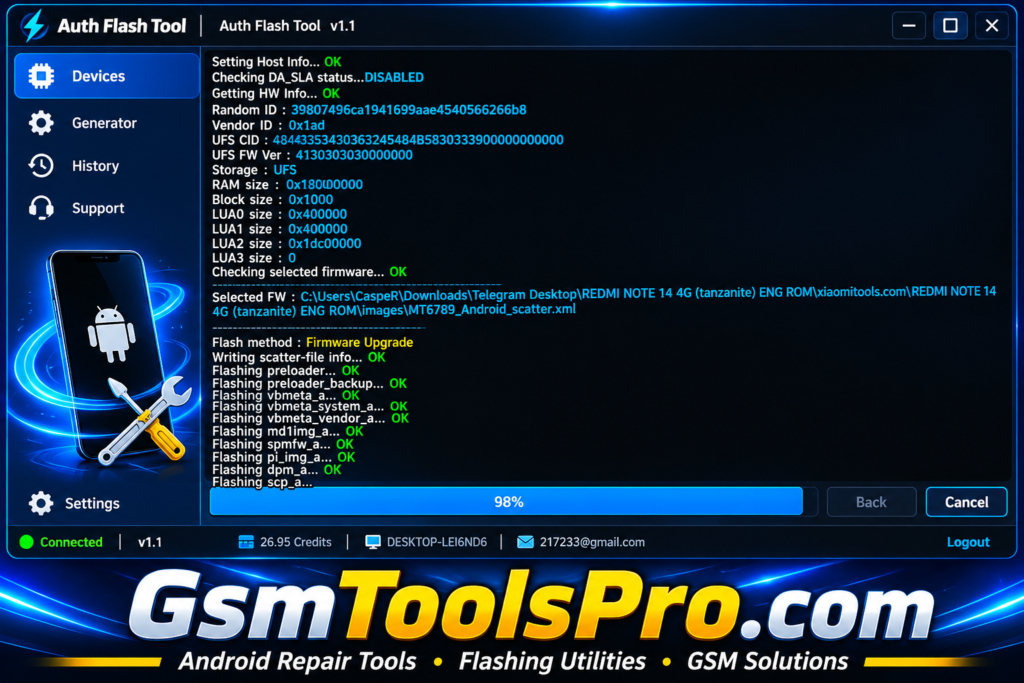
MR Auth Tool FRP Support
FRP, or Factory Reset Protection, is a security feature that can require the previously linked Google account after a factory reset. MR Auth Tool lists FRP Unlock as one of its services and specifically advertises Xiaomi FRP services. Its service page also describes FRP removal for supported devices through a guided process.
Important Precautions Before Firmware Flashing
Before starting a firmware operation, keep the original device data backed up and use the firmware package intended for the device. Firmware catalogs can contain several versions and regions for the same model, so the package information matters during the selection process.
Keep the USB connection stable while the flashing service is running. Use the required drivers and avoid interrupting the process until the operation has finished. MR Auth Tool also provides separate driver packages for MTK, Qualcomm, and SPD devices.
For Firmware Download
Conclusion
MR Auth Tool combines firmware downloads with mobile servicing operations for supported Android devices. Its firmware catalog provides model and PCB-based searches, multiple firmware versions, and regional packages, while its Xiaomi services include flashing, EDL, FDL, bootloader authorization, and FRP operations. The platform also lists Realme, OPPO, OnePlus, MediaTek, and Qualcomm services, making it useful for technicians handling supported devices.
FAQ’s
How do I download MR Auth Tool firmware?
Open the MR Auth Tool firmware catalog, search using the model number or PCB number, select the required firmware entry, log in or register, and use the download option. The listed firmware download uses one credit to generate a fresh download link.
Can MR Auth Tool flash Xiaomi firmware?
Yes. MR Auth Tool lists Xiaomi flashing and firmware services together with EDL, FDL, and bootloader authorization operations.
Which Xiaomi models does MR Auth Tool support?
MR Auth Tool provides Xiaomi-focused servicing, including EDL, FDL, bootloader authorization, FRP, and flashing operations. Service availability is tied to the device and operation provided by the platform.
Does MR Auth Tool support FRP removal?
Yes. FRP Unlock is listed among MR Auth Tool’s services, including Xiaomi FRP services. The platform states that FRP operations are available on supported devices.
Why does MR Auth Tool firmware download fail?
MR Auth Tool’s firmware catalog uses account login and a credit-based download process. The listed download flow requires one credit before a fresh download link is provided.
Is MR Auth Tool firmware available for all Android models?
No. The firmware catalog contains specific device entries, while MR Auth Tool’s servicing platform supports specific brands, chipsets, and operations.


One Comment